
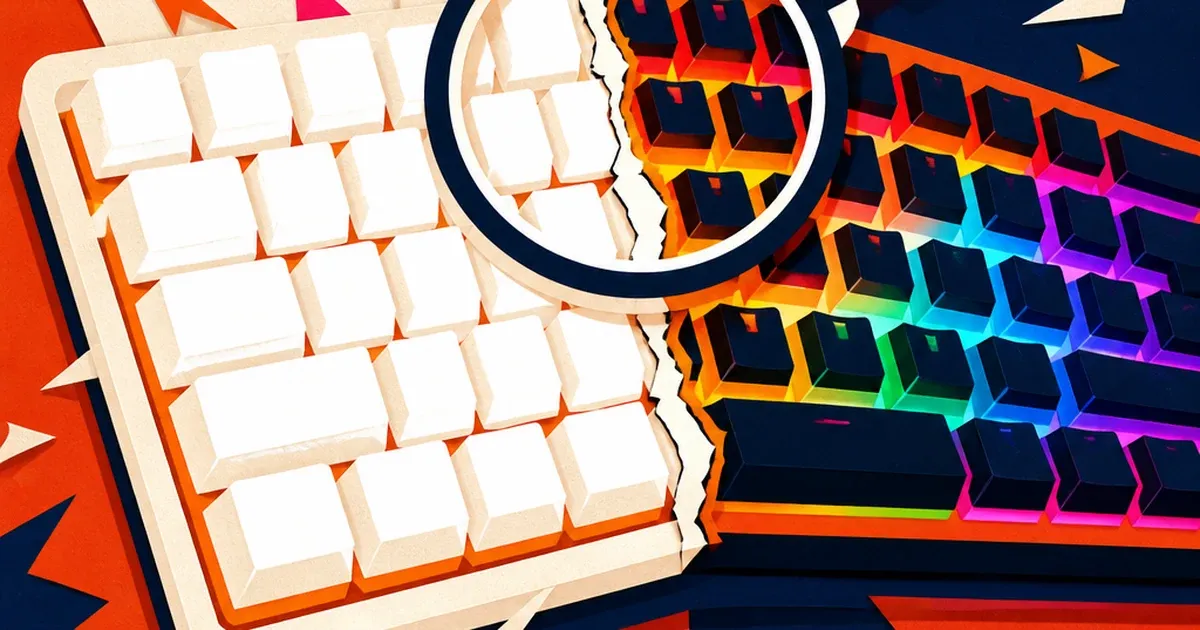
Point a camera at a keyboard lit up in electric blue and take the shot. On the screen, the keys read as a washed-out pale blue, or worse, a flat white glow with no color at all. The keyboard looked vivid to your eyes. The photo looks broken.
This isn't a lighting mistake or a bad angle. It's what happens when a camera photographs a light source instead of a lit object. Every other vertical this pipeline has covered involves ambient light falling ON a product. A gaming peripheral is different: the RGB zones ARE the light source, and that flips the whole exposure problem on its head.
Why a Glowing Product Photographs Wrong
A camera sensor records red, green, and blue as three separate channels, each capped at a maximum value. When a scene is lit normally, no single channel usually maxes out on its own. An RGB keyboard breaks that assumption: a saturated blue zone can push the blue channel to its ceiling long before red or green get anywhere close, and once a channel is capped the sensor has no way to record how much brighter that color actually was. The keyboard could be broadcasting a rich, saturated blue, but if the blue channel clips, the camera can only report "maximum blue," and depending on how the other channels compare, that reads back as pale blue, cyan, or flat white.
Photography forums have documented this exact failure for years, from cosplay prop-builders shooting glowing lightsabers to home shooters trying to capture a colored bulb: a bright colored light source blows out one or more color channels, and the fix is almost always the same, drop the exposure well below what the camera wants to give it, because the sensor was never trying to expose for the light itself. It was exposing for the darker room around it.
That's precisely the trap a gaming-gear seller falls into on a standard product shot. Studio lighting, a neutral background, a keyboard with the RGB turned on to show it off, and an auto-exposure camera metering for the whole frame. The keyboard becomes the single brightest thing in the shot by a wide margin, the RGB zones clip, and the one feature the whole listing exists to sell renders as an inaccurate, flattened glow instead of the specific color a buyer is choosing between.
Fixing the Clip Without Faking the Glow
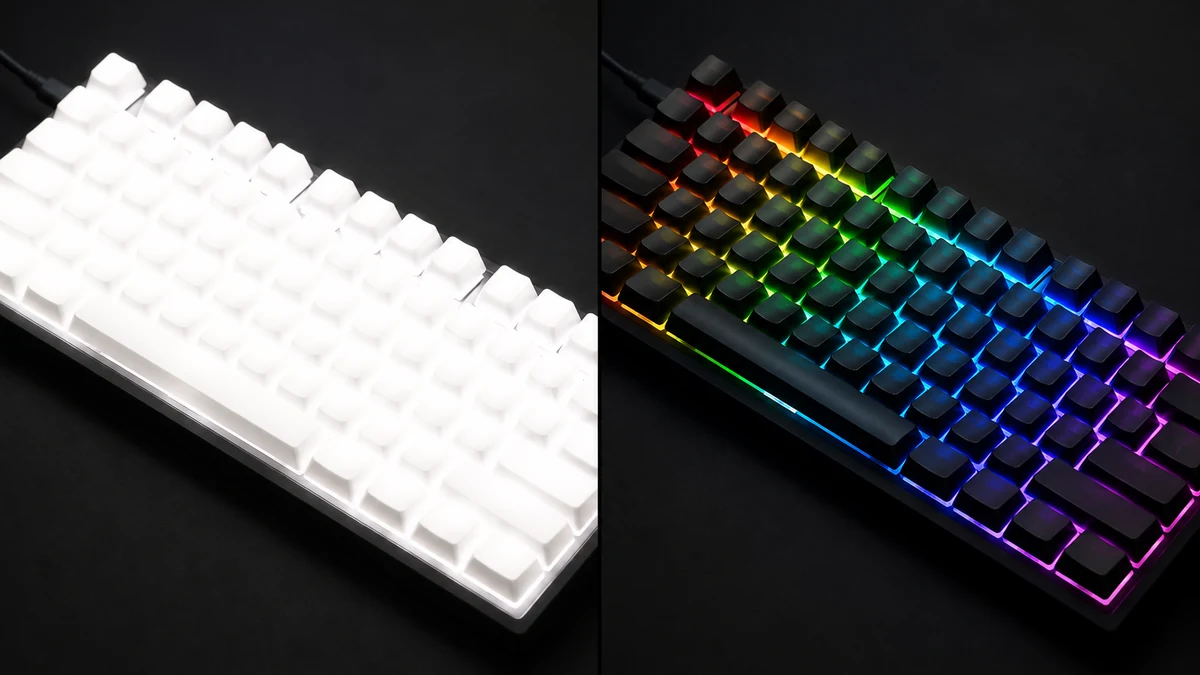
mcp.coinis.dev is in an extended OAuth outage as this article went to press, so the before/after above is a vision-QA'd illustrative still generated directly through OpenAI's image model rather than a live enhance_asset_proxy render. For a real enhance_asset_proxy recraft-inpaint repair on this exact defect family, see the fishing-tackle purple-fringe fix.
The fix isn't a generic brightness or saturation slider. It's a targeted correction that restores the RGB zones to the color they were actually emitting, without touching the keyboard's shape, keycap legends, or the rest of the frame.
The worked example:
- Source photo. A real (or marketplace-generated) shot of an RGB peripheral with its lit zones blown to a pale or white glow, exactly the shot a seller pulls straight from a quick studio session.
- Tight, measured mask. Only the clipped RGB regions get masked, the light-emitting keys, strips, or zones themselves, not the keyboard's body, cables, or background. A defect this specific calls for a mask that hugs it, not a full-frame pass that risks the model redrawing parts of the photo that were never broken.
- Hue-free correction prompt. The fix instruction never names a target color. Naming a specific hue in a defect-repair prompt is a confirmed confabulation trigger elsewhere in this pipeline, so the correction stays neutral: restore natural saturated light-emission detail, no clipped highlight, no washed color, no white blowout, keep key legends sharp.
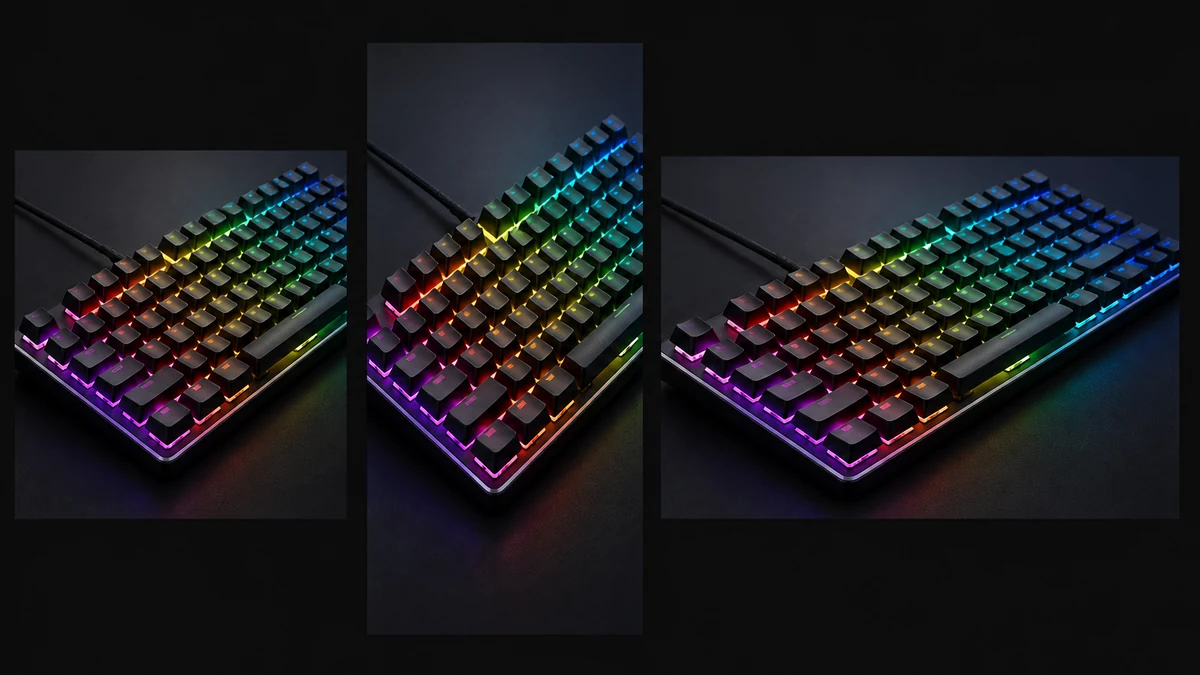
- Fan out to six ad sizes. The same corrected photo becomes a square feed post, a 9:16 story, a landscape banner, and every other format a seller needs, built from one fixed source instead of six separate reshoots.
Why This Matters for a Gaming Gear Seller's Ad Spend
The category this defect sits inside is large and growing fast. The global gaming peripheral market is valued at an estimated 7.5 billion dollars in 2026, projected to grow to 11.5 billion dollars by 2030 at an 11 percent annual growth rate, driven in large part by keyboards and mice exactly like the ones this defect hits hardest. That's a crowded field of sellers, most of them leaning on the same core selling point: how the RGB looks.
A listing photo that turns a keyboard's signature lighting into a flat white glow isn't just a cosmetic miss, it's erasing the specific feature a buyer is comparing across ten open tabs. A seller who fixes the clip once and reuses the corrected photo across every platform's ad dimensions is showing the actual product a customer is trying to evaluate, while a competitor's listing still shows a washed-out approximation.
What to Do Now
- Pull the RGB peripheral photo you already have, the one where the lit zones read as pale or white instead of their real color.
- Run it through a targeted RGB-clipping correction instead of re-shooting the whole lineup with a dimmer light.
- Fan the corrected photo out to every platform's ad dimensions from that single fixed source.
- Launch it as a ready-to-run ad through Coinis Ad Studio, built from a template instead of a blank canvas.
FAQ
Is this the same problem as a glare or reflection on a glossy screen? No. A screen reflection is ambient light bouncing off a passive glossy surface. This defect happens because the product itself is the light source, and the camera's own color channels clip trying to record it. Different mechanism, different fix.
Can I just lower my camera's exposure to fix it on the next shoot? Partially. Dropping exposure or dialing in negative exposure compensation before the shot helps prevent clipping in the first place, which is worth doing for future shoots. But it doesn't help with photos you've already taken, where the clip is already baked into the file.
Will an AI fix make the RGB look fake or oversaturated? Not when the mask stays tight to the actual lit zones and the prompt avoids naming a target color. The goal is recovering the color detail that clipped, not inventing a different lighting scheme than the product actually has.
Does this apply to mice, headsets, and PC cases too, or just keyboards? Any product with its own RGB lighting zone hits the same channel-clipping problem: mice, headsets, case fans, cooling loops. The keyboard is just the most common example because it has the most individually lit zones in one frame.
Sources
- Photography Stack Exchange, "How can I photograph bright lights properly?": https://photo.stackexchange.com/questions/71780/how-can-i-photograph-bright-lights-properly
- Cambridge in Colour, "Digital Exposure Techniques" (individual color channel clipping): https://www.cambridgeincolour.com/tutorials/digital-exposure-techniques.htm
- Grand View Research, "Gaming Peripheral Market Size, Share Report, 2025-2030": https://www.grandviewresearch.com/industry-analysis/gaming-peripherals-market

Isidora Matovic
Author
Social media enthusiast and a full time researcher. She takes digital presence very seriously and that is why you are always in touch in what is going on with us! Follow us for more posts like this.