
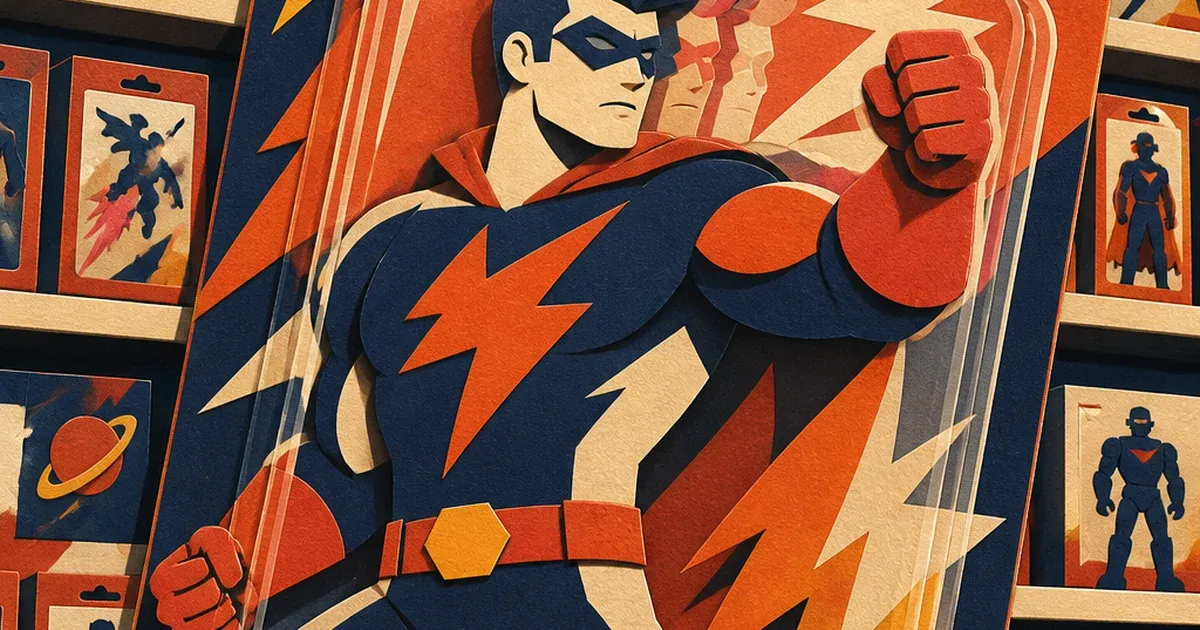
Shoot a sealed action figure through its blister pack and the camera doesn't just capture the figure. It captures the figure twice, offset by a few millimeters, with a faint duplicate highlight ghosting across the packaging art. Shoot a graded trading card through its display case and the same thing happens to the card's own foil edge. Nobody notices this with their own eyes standing in the store. The camera notices immediately.
What's actually happening to the photo
A blister pack isn't one sheet of plastic. It's a front face and a back face, both clear, both reflective, separated by a few millimeters of air. Each surface bounces a little bit of whatever light is hitting it straight back at the lens. Two surfaces, two bounces, two slightly offset reflections of the same light source landing in the same frame -- a double reflection, sometimes called a ghost image. Photographers who shoot through museum display glass run into the identical problem for the identical reason: any pane of glass with real thickness has two reflective faces, and looking straight through it toward a bright window or overhead light produces two faint, slightly displaced reflected images rather than one.
The practical result on a product photo: a soft duplicate ghost of the overhead light (or a window, or a ring light) sits directly over the packaging artwork or the card's protective slab, usually shifted by just enough to make the duplicate obvious once you're looking at full resolution instead of a thumbnail. On a blister pack, the ghost often lands right across the character art or the barcode. On a graded card slab, it lands across the label or the card face itself. Either way, the thing a buyer is supposed to evaluate before clicking "add to cart" is the thing partially obscured by an artifact that was never part of the product.
This isn't a lighting mistake in the usual sense. A photographer can soften a harsh hotspot by diffusing the light source. A double reflection doesn't respond to that the same way, because the problem isn't the light being too harsh, it's that there are two reflective surfaces in the optical path instead of one. The standard fix photographers use on location (shoot at an angle instead of dead-on, use a lens hood pressed against the glass, cross-polarize with filters on both the light and the lens) works in a studio with full control. It's a lot harder to apply retroactively to five years of catalog photos a toy store or card shop already has sitting in its product feed.
Fixing it after the fact
Coinis's photo-repair tool (enhance_asset_proxy, the recraft-inpaint operation) treats this the same way it treats any other localized reflection artifact already demonstrated in this series -- jewelry's polished-metal hotspot, electronics' flat-screen mirror glare. The difference here is that a double reflection isn't one bright spot, it's two offset ones, so the repair needs a mask covering both duplicate regions rather than a single ellipse.
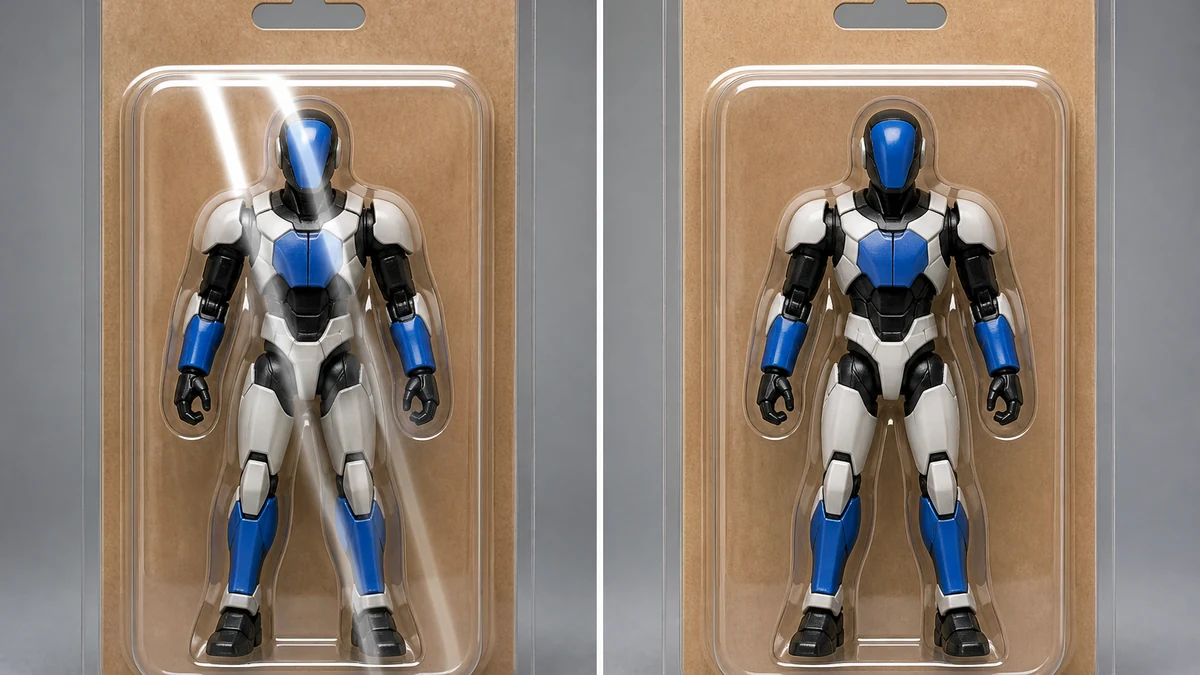
mcp.coinis.dev is in an extended OAuth outage as this article went to press, so the before/after above is a vision-QA'd illustrative still generated directly through OpenAI's image model rather than a live enhance_asset_proxy render. For a real enhance_asset_proxy recraft-inpaint repair on this exact defect family, see the fishing-tackle purple-fringe fix.
The masking approach follows the same discipline this tool family has needed on every other spot defect in this series: measure the actual pixel location of each of the two offset highlights off the real source photo, draw two small, tight regions hugging just those highlights (not one large region spanning both, which would give the model too much open space to invent content), and use a prompt describing only the correction itself with zero mention of a color, a background object, or the packaging's own text. A prompt like "restore the natural printed color and detail under this highlight, no bright glare, no added text, no logos" repairs each masked region independently while leaving the rest of the package, including the parts of the artwork and barcode outside the two masked zones, untouched.
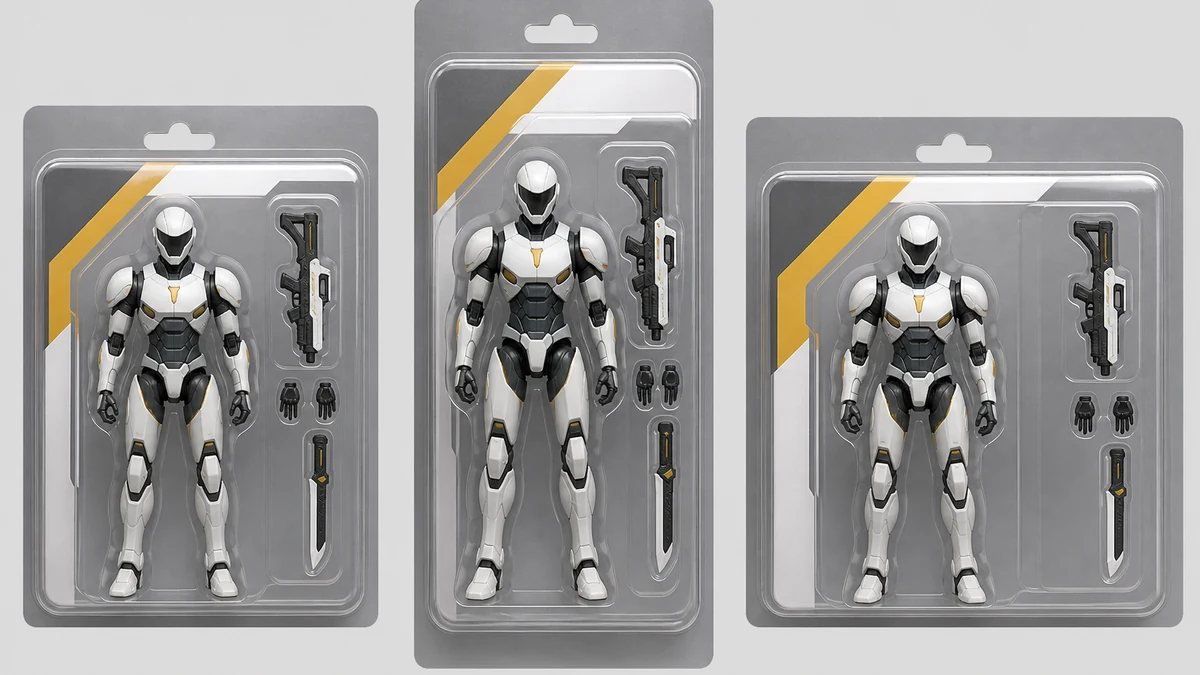
Once the base photo is clean, Coinis's generate_image_templates tool rebuilds it into the formats a toy store or card shop actually needs to run ads: a square feed image, a vertical story crop, a wide landscape banner, all pulled from the one corrected photo instead of three separate photo shoots.
Why this matters more for collectibles than for most product categories
Collectibles sell on detail. A buyer deciding between two listings of the same sealed figure or the same graded card is looking for exactly the kind of fine print a ghost reflection obscures: edge wear, print registration, a specific paint application, the grading label's own certification number. A blurry or doubled region sitting right over that detail doesn't just look unpolished, it actively hides the information a collector uses to judge condition and authenticity before buying.
It also compounds with how collectible sellers typically shoot. A toy store or card shop photographing hundreds of sealed items a week rarely has a dedicated studio with cross-polarized lighting set up for every single item. The blister pack or the display case is the packaging the manufacturer or grading company already provided, and it stays on for the photo because removing it (especially for a sealed, unopened collectible) would destroy the exact condition the photo is supposed to document. The double reflection isn't a one-off mistake on a bad photo. It's a near-permanent feature of shooting sealed product through factory packaging, which is why fixing it after the fact matters more here than for a category where repackaging the item for a cleaner shot is actually an option.
What to do with the fixed photo
A repaired catalog photo is still just a photo sitting in a product feed. The sales step is turning it into an ad that actually runs. Coinis's Ad Studio takes the corrected image and the same multi-format fan-out shown above and assembles it into launch-ready ad creative with copy, not just a resized picture -- the template-to-launch-ready step that separates Ad Studio from generic marketplace model access. A toy store running a new-release drop or a card shop running a weekly restock doesn't need to wait on a reshoot to get a clean ad out. It needs the clean photo and the ad built from it, same day.
FAQ
Does this defect only happen with blister packs? No. Any time a product is shot through two parallel reflective surfaces, factory blister plastic, a glass display case, even a thick acrylic card sleeve, the same double-bounce mechanism can produce a ghosted highlight. Blister-packed action figures and graded trading card slabs are the two most common cases in collectibles retail because both categories are almost always photographed sealed.
Can I just shoot at an angle to avoid it? Shooting at a steep angle reduces the effect for a new photo shoot, but it also distorts the product's proportions and often reflects something else into frame instead. For an existing photo library, an angle change isn't an option at all, which is the case this fix addresses.
Will fixing the reflection remove the barcode or certification label? No. The repair only touches the two small regions where the duplicate highlight actually sits. Every other part of the packaging, including the barcode, the grading label, and the printed artwork outside the masked regions, stays exactly as photographed.
What if the collectible isn't sealed, is this still relevant? Loose or opened collectibles shot without packaging in the frame don't have this problem, since there's no second reflective surface to bounce a duplicate image. This fix is specifically for sealed, packaged, or cased product photography.
Sources
- Don's Maps, "Photography in Museums" -- documents the double-reflection phenomenon when shooting through display glass and the angle/lens-hood techniques photographers use to reduce it: https://www.donsmaps.com/photography.html
- Quora (physics discussion, cross-referenced against standard optics explanations), on why a single pane of glass produces two offset reflected images from its front and back surfaces: https://www.quora.com/When-looking-at-a-window-you-sometimes-see-two-reflected-images-slightly-displaced-from-each-other-What-causes-this
- ReaVis, "Ghost Image and Its Solutions (Part I)" -- technical explanation of how two virtual images formed at a transparent medium's first and second surfaces overlap to create a ghost image: https://en.rea-vis.com/media/detail188.html

Isidora Matovic
Author
Social media enthusiast and a full time researcher. She takes digital presence very seriously and that is why you are always in touch in what is going on with us! Follow us for more posts like this.