
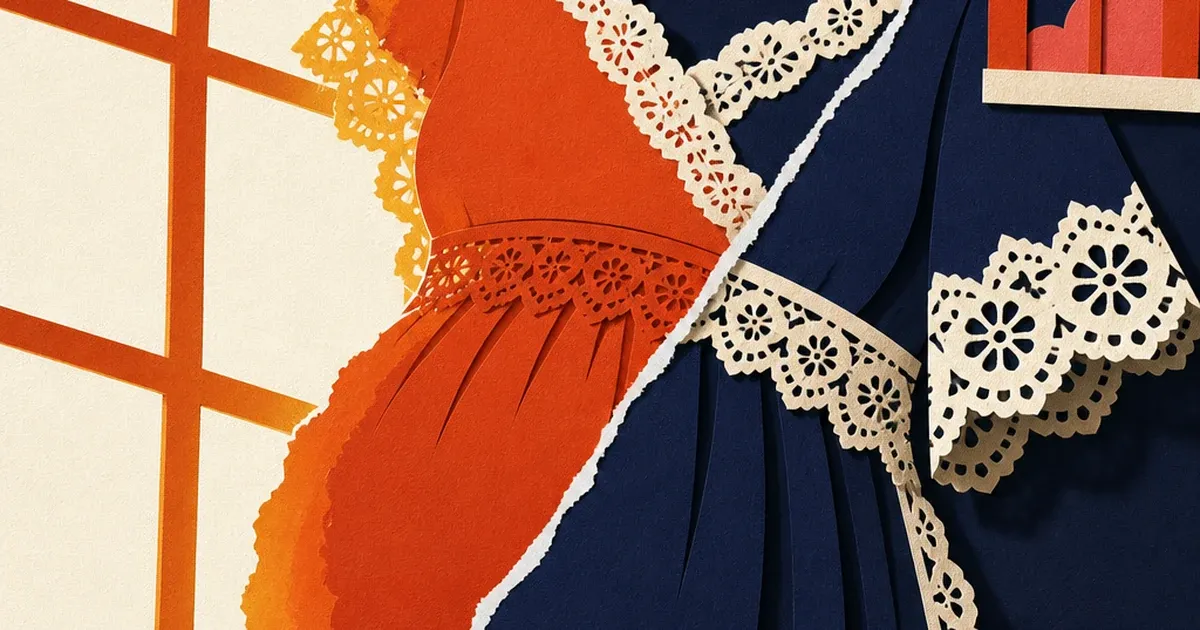
You shot the dress against a bright window. Golden hour, soft light, the kind of frame that looks gorgeous on the back of your camera. Then you open it on your laptop and the fabric edge closest to the light has gone soft and orange, like someone smeared warm butter along the seam. The ruching detail you paid a pattern-maker to get right is gone. The lace trim blurs into a glow.
That's not a bad exposure. It's halation, and it's one of the least-diagnosed reasons a maternity brand's product photo looks "almost right" but never quite converts.
What halation actually is
Halation is light scattering inside the capture system itself, not a flaw in your subject. Camera-wiki.org's technical entry on the effect describes it plainly: light passes through the film or sensor stack, reflects off the surface behind it, and re-exposes the image from underneath as a soft halo around bright areas (camera-wiki.org, "Halation"). On modern digital sensors the same scattering happens across the cover glass and internal optical elements, and it shows up strongest exactly where a maternity shoot is most likely to happen: a subject lit from behind by a strong, even source, like a sunlit window or a golden-hour backlight.
A photography-focused discussion thread on Reddit's r/cinematography draws the useful distinction: halation is not the same artifact as lens flare. Flare tracks the light source's position across the frame and shows up as rings, streaks, or starbursts that move when the camera moves. Halation stays put on the overexposed edge itself, spreads as a soft warm-tinted bleed, and gets worse the closer your bright source sits to your subject's silhouette (r/cinematography, "Halation effect: what is it and why is it important for the film emulation?"). A backlit maternity photo is close to the textbook setup for it: a bright, diffuse light source directly behind or beside a light-colored, texture-heavy garment.
Why this specific defect hits maternity apparel harder than most categories
Maternity photography leans hard on soft, flattering, natural light. Backlighting and golden-hour setups are a genre convention, not an accident. But the fabrics that sell in this category (stretch jersey with subtle ruching, empire-waist seams, lace trim on nursing-friendly tops) all depend on edge detail to read as quality in a thumbnail. Halation eats exactly that edge detail first. The customer scrolling a feed doesn't consciously register "halation." They register "this looks kind of soft and cheap," and they scroll past.
The stakes are real. Grand View Research puts the global maternity wear market at roughly $25.6 billion for 2026, growing at a 4.9% compound annual rate (Grand View Research, "Maternity Wear Market Size And Share Report, 2026-2033"). That is a crowded, fast-moving category competing almost entirely on a phone screen. Shopify's own product-photography guidance is blunt about what a clean, professional image is worth: merchants with professional-quality photos see meaningfully higher conversion rates than merchants shipping soft, low-quality shots (Shopify, "Product Photography: A DIY Guide for Beginners"). A halo eating your lace trim is not a stylistic quirk. It is lost conversion on every ad size you run it in.
Fixing it without a reshoot
You don't need to fly a model back into a studio or refund a photographer. The fix is a targeted correction on the existing photo, followed by turning that one clean image into every ad size your campaigns actually need.
Step one: isolate and correct the bled edge. Coinis's enhance_asset_proxy tool includes a recraft-inpaint mode built exactly for this kind of localized optical defect (as opposed to a whole-photo problem like a color cast). You mask only the halo band, not the whole garment, and give it a plain instruction describing the fix, with zero mention of what the background should become (naming a background invites the model to redraw it instead of leave it alone). The mask stays tight to the bled edge. Everything else in the frame, the fabric weave, the seam stitching, the surrounding light, stays untouched.
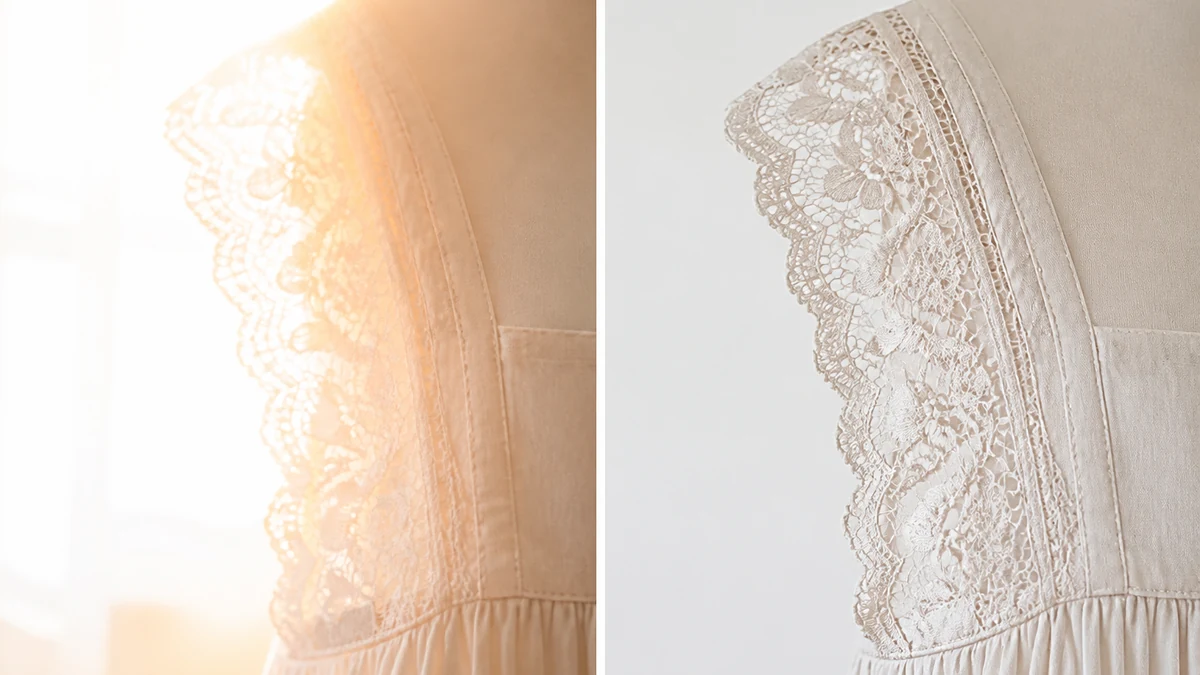
mcp.coinis.dev (the connection that runs enhance_asset_proxy) was offline when this article was produced. The image above is an illustrative still generated directly, not a live enhance_asset_proxy render. See a real enhance_asset_proxy correction in action on a bakery display-case photo.
Step two: build every ad size from the one corrected photo. Once the edge detail is back, generate_image_templates fans that single corrected image out into square, story, and landscape formats without you re-shooting or re-lighting anything. Same lace trim, same true fabric color, six formats ready for whatever placement your campaign needs next.
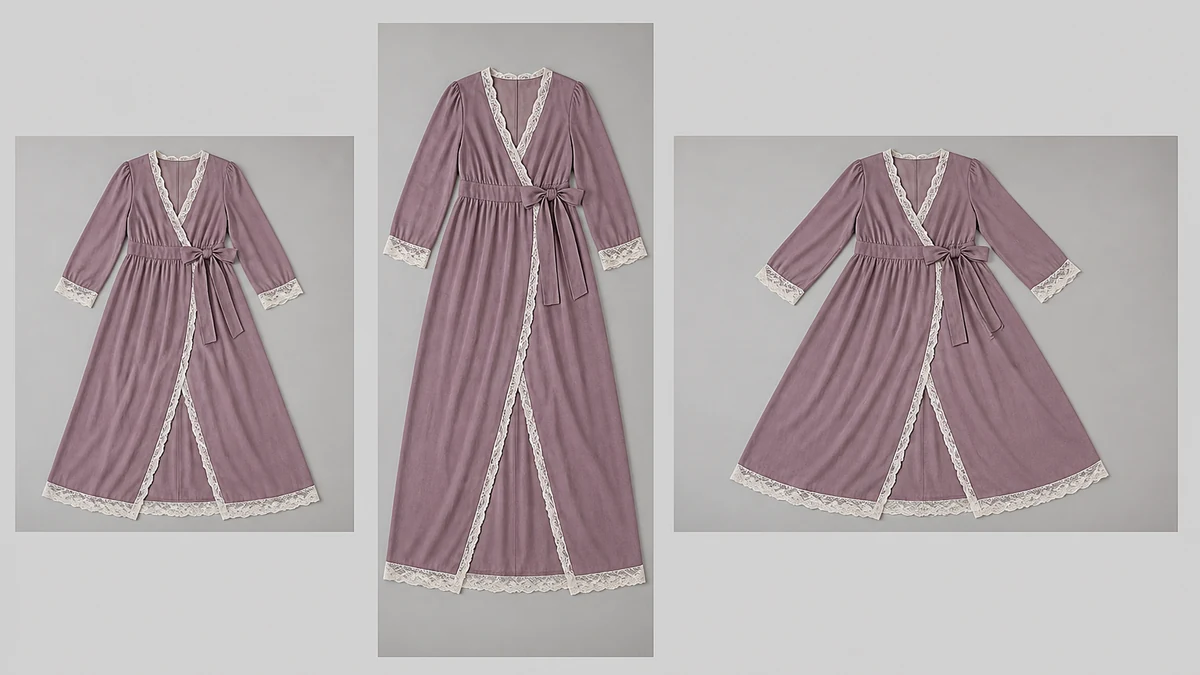
Same outage note applies here: this fan-out mockup is an illustrative still, not a live generate_image_templates render. See a real generate_image_templates fan-out for the actual tool in action.
What to do now
- Pull your current maternity product library and look specifically at frames shot against a window or in golden hour. Zoom into the brightest edge of the garment against the light source.
- If you see a soft, warm-tinted bleed eating fabric texture at that edge (not a hard clipped highlight, a soft glow), that's halation, not overexposure, and a global "reduce highlights" slider in your editing app won't fix it. It needs a targeted correction.
- Run the affected photo through Coinis's
enhance_asset_proxy(recraft-inpaint, tight mask on the bled edge only) to restore the lost texture and true color. - Fan the corrected image into your full ad-size set with
generate_image_templatesinstead of commissioning a new shoot per placement. - Build the actual launch-ready ad from the corrected images in Ad Studio's templates, so the fix lands as a running campaign the same day, not just a cleaner file sitting in a folder.
FAQ
Is halation the same thing as a lens flare? No. Flare is an external artifact that tracks the position of a bright light source in the frame and typically shows up as rings, streaks, or starbursts. Halation happens from light scattering inside the camera's own capture system, stays fixed to the overexposed edge itself, and reads as a soft, warm-tinted bleed rather than a sharp geometric shape (r/cinematography).
Can I avoid halation by just underexposing the shot? You can reduce it by exposing for the highlights rather than the midtones, but underexposing an entire maternity photo to protect one bright edge usually costs you accurate color and detail everywhere else in the frame. A targeted correction on the specific bled edge preserves the rest of the photo's exposure and color as shot.
Does this only happen with window light, or can any bright background cause it? Any sufficiently bright, even light source positioned behind or beside a light-colored subject can trigger it, a lightbox backdrop, a bright sky, a studio softbox placed for backlighting. Window light and golden hour are simply the most common setups a maternity brand actually uses, which is why the defect shows up so often in this specific category.
Do I need to reshoot every affected product photo? No. The correction targets only the bled region of an existing photo. As long as the rest of the image is in focus and properly composed, enhance_asset_proxy's masked repair restores the lost edge detail without touching the rest of the shot.
Will fixing this actually change conversion, or is it just a cosmetic improvement? Shopify's own merchant guidance ties image quality directly to conversion outcomes, and the maternity category is unusually reliant on visible fabric and fit detail since buyers can't try garments on before purchase. A halo that erases exactly that detail is not a cosmetic nitpick, it's removing the one thing a maternity shopper is scanning the photo for.
Sources
- camera-wiki.org, "Halation," technical definition and mechanism. https://camera-wiki.org/wiki/Halation
- Reddit r/cinematography, "Halation effect: what is it and why is it important for the film emulation?" https://www.reddit.com/r/cinematography/comments/mfpwqx/halation_effect_what_is_it_and_why_is_it/
- Grand View Research, "Maternity Wear Market Size And Share Report, 2026-2033," market size figures. https://www.grandviewresearch.com/industry-analysis/maternity-wear-market
- Shopify, "Product Photography: A DIY Guide for Beginners," conversion-rate guidance. https://www.shopify.com/blog/12206313-the-ultimate-diy-guide-to-beautiful-product-photography

Isidora Matovic
Author
Social media enthusiast and a full time researcher. She takes digital presence very seriously and that is why you are always in touch in what is going on with us! Follow us for more posts like this.