A small-business video ad usually starts with limited material: one offer, a product photo, a short clip, a website page, a customer quote, or a founder recording. The tool should turn that material into a readable vertical/horizontal ad. The top priority is the offer. Show the product, service, price, result, or next step in the first seconds. Editing tips about effects, transitions, and music come after that. Good advertising software should support one clear production task: layout, captions, cropping, pacing, effects, first drafts, or product variants. This guide covers tools for designed ads, easy promo editing, short-form cuts, speech-led ads, ecommerce generators, and animated explainers.
How to Judge the Best Ad Creation Software
The best ad creation software removes the task slowing the team down right now. That task might be a weak layout, slow captioning, awkward resizing, rough editing, or too many product pages waiting for ad tests. Ask these questions first:
- What source material is ready today?
- Which task takes the longest?
- Where will the ad run?
- Does the team need templates, editing, AI generation, or more control over branding?
A tool for clean offer cards will not fix a messy founder recording. A timeline editor will not make 40 product variants from store pages. A generator can make a first draft, but a real person still has to check pricing, claims, visuals, and tone.
Top 10 Advertising Software to Use
1. Canva: Offer-Led Ads From Photos and Price Cards
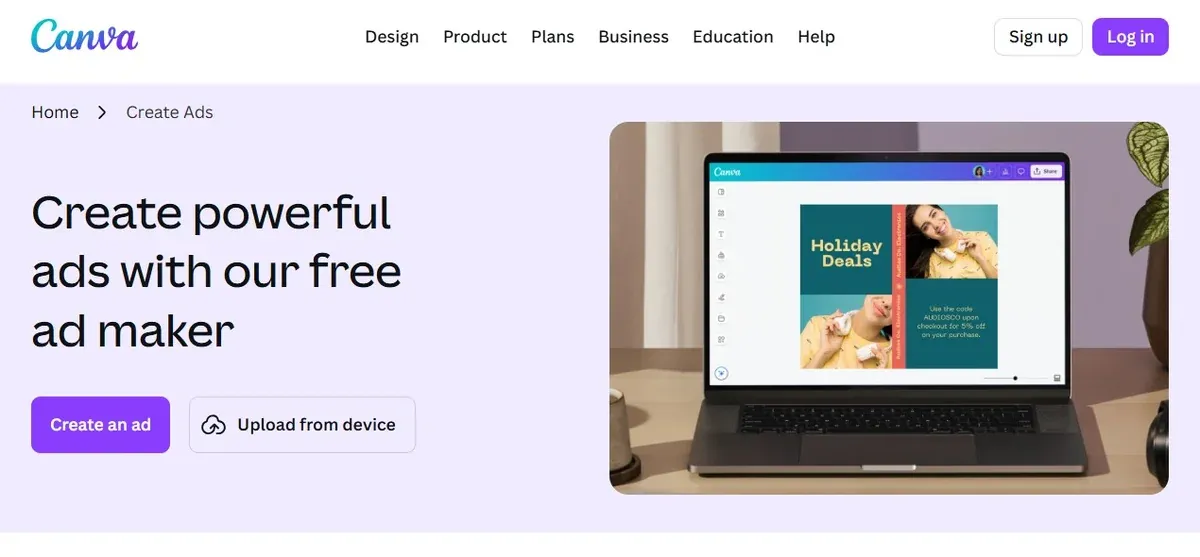 Canva handles ads that begin with a visual offer, like a sale, product drop, event, course date, service package, or seasonal discount. Its video ad maker supports templates, a drag-and-drop editor, stock photos and graphics, AI media generation, and formats for Facebook, YouTube, and Instagram.
A florist can build a Mother's Day ad around one bouquet shot. The bouquet stays large, the deadline and delivery line are easy to read, and the last frame shows the ordering step. The editing work is layout, not a long timeline session.
Canva handles ads that begin with a visual offer, like a sale, product drop, event, course date, service package, or seasonal discount. Its video ad maker supports templates, a drag-and-drop editor, stock photos and graphics, AI media generation, and formats for Facebook, YouTube, and Instagram.
A florist can build a Mother's Day ad around one bouquet shot. The bouquet stays large, the deadline and delivery line are easy to read, and the last frame shows the ordering step. The editing work is layout, not a long timeline session.
Canva is a clean pick for:
- sale cards
- event ads
- product photos with light motion
- branded social posts
- paid and organic campaign assets from the same visual idea
Edit the template before exporting. Replace stock visuals with your own photos, change the first frame, and remove design elements that compete with the offer.
2. Adobe Express: Multi-Format Ads With Brand and Placement Checks
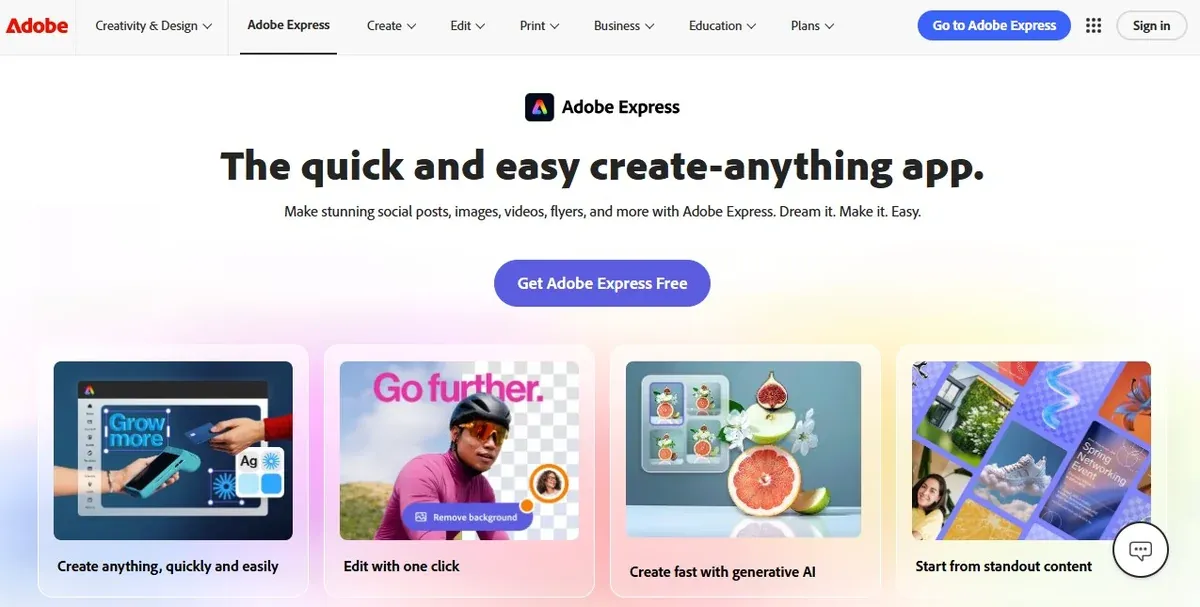 Adobe Express centers on controlled brand layouts across several ad placements. Its ad tools include customizable templates, platform sizing, resizing, and Safe Zones that guide placement for Stories, Reels, and LinkedIn video ads.
Safe Zones prevent the price, subtitle, or booking line from landing under platform buttons. A clinic running a treatment promo can check the layout, then export versions for Stories, Reels, and square feed placements.
Adobe Express covers:
Adobe Express centers on controlled brand layouts across several ad placements. Its ad tools include customizable templates, platform sizing, resizing, and Safe Zones that guide placement for Stories, Reels, and LinkedIn video ads.
Safe Zones prevent the price, subtitle, or booking line from landing under platform buttons. A clinic running a treatment promo can check the layout, then export versions for Stories, Reels, and square feed placements.
Adobe Express covers:
- brand-controlled layouts
- resized campaign assets
- vertical placement checks
- image-and-video social ads
- and review-ready campaign versions
Treat it as a layout, resizing, and approval tool for paid social assets. Detailed clip editing should happen elsewhere.
3. Movavi Video Editor: Easy Promo Videos With Effects and One-Click AI Tools
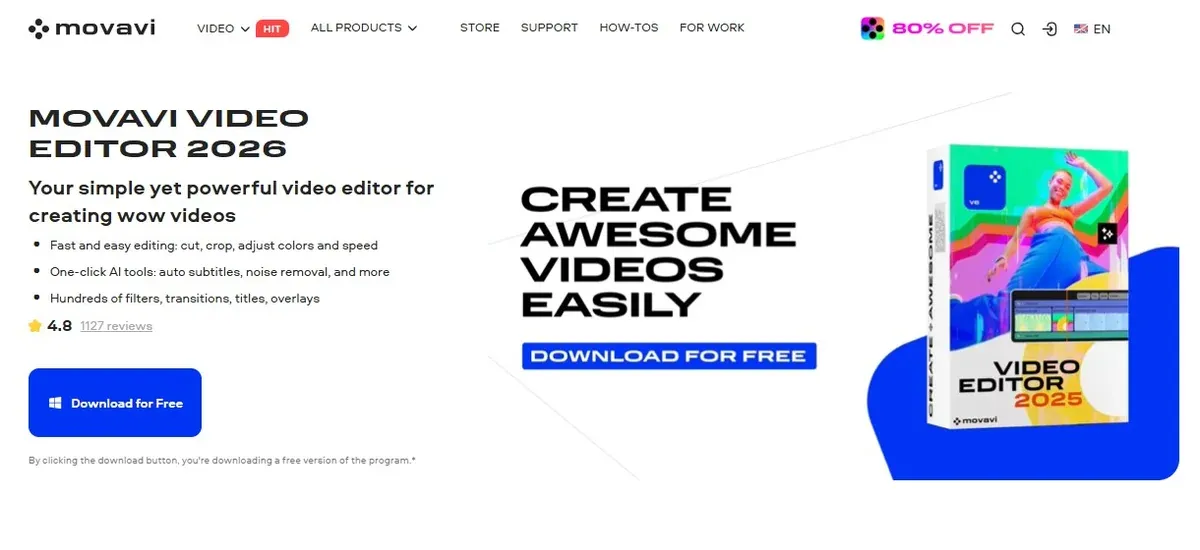 Movavi Video Editor is for small teams creating promo videos themselves. The editor keeps the workflow easy to follow even for a beginner and places creative assets, effects, captions, and one-click AI tools in one workspace.
Movavi covers cutting, cropping, color and speed adjustment, filters, effects, automatic subtitles, and other AI tools such as noise removal and motion tracking. Its help materials and in-app tutorials describe many features so you don't have to figure out each step blindly.
A skincare shop can turn one product clip into a 25-second promo with a product name card, close-up framing, auto subtitles for a short voiceover, and light visual effects. The edit stays simple and avoids the raw phone-upload feel.
Movavi can quickly handle:
Movavi Video Editor is for small teams creating promo videos themselves. The editor keeps the workflow easy to follow even for a beginner and places creative assets, effects, captions, and one-click AI tools in one workspace.
Movavi covers cutting, cropping, color and speed adjustment, filters, effects, automatic subtitles, and other AI tools such as noise removal and motion tracking. Its help materials and in-app tutorials describe many features so you don't have to figure out each step blindly.
A skincare shop can turn one product clip into a 25-second promo with a product name card, close-up framing, auto subtitles for a short voiceover, and light visual effects. The edit stays simple and avoids the raw phone-upload feel.
Movavi can quickly handle:
- short promo videos
- social ads with titles, music, effects and captions
- subtitling, noise cleanup, background removal and motion tracking
- product, service, event, and seasonal offer videos
The appeal is having editing, effects, captions, and AI fixes in one clear interface.
4. CapCut: Short-Form Ads With Social Rhythm
 CapCut handles ads shaped by TikTok, Reels, and Shorts pacing. Its AI video generator supports avatars, templates, and text-to-video generation, with marketing ads listed among its use cases.
A nail studio can take a trending before-and-after template, replace the sample clips with its own manicure shots, keep the synced cuts, and add a booking line. The ad borrows the rhythm people already recognise from short-form feeds, but the visuals still come from the actual service.
CapCut handles ads shaped by TikTok, Reels, and Shorts pacing. Its AI video generator supports avatars, templates, and text-to-video generation, with marketing ads listed among its use cases.
A nail studio can take a trending before-and-after template, replace the sample clips with its own manicure shots, keep the synced cuts, and add a booking line. The ad borrows the rhythm people already recognise from short-form feeds, but the visuals still come from the actual service.
CapCut's lane:
- trend-based ad templates
- effects-heavy short clips
- caption-led hooks
- UGC-style product
Keep a zoom, sticker, or animated word only if it clarifies the offer.
5. Descript: Founder Videos and Service Explainers
 Descript handles ads driven by a person explaining the offer. Record or upload a clip, get a transcript, then edit the video by editing the words. Deleting a word removes that video moment, and moving a sentence moves the footage with it.
This editing style fits service ads where the spoken answer is the ad. A tax advisor can record a direct answer to one June question clients keep asking, then cut the best 25 seconds through the transcript.
Descript handles ads driven by a person explaining the offer. Record or upload a clip, get a transcript, then edit the video by editing the words. Deleting a word removes that video moment, and moving a sentence moves the footage with it.
This editing style fits service ads where the spoken answer is the ad. A tax advisor can record a direct answer to one June question clients keep asking, then cut the best 25 seconds through the transcript.
Good Descript material includes
- founder-led clips
- expert answers
- webinar cuts
- screen recordings
- customer interview clips
The sale depends on the explanation, so cutting the words cleanly matters.
6. VEED: Browser Ads With Captions, Translation, and Review
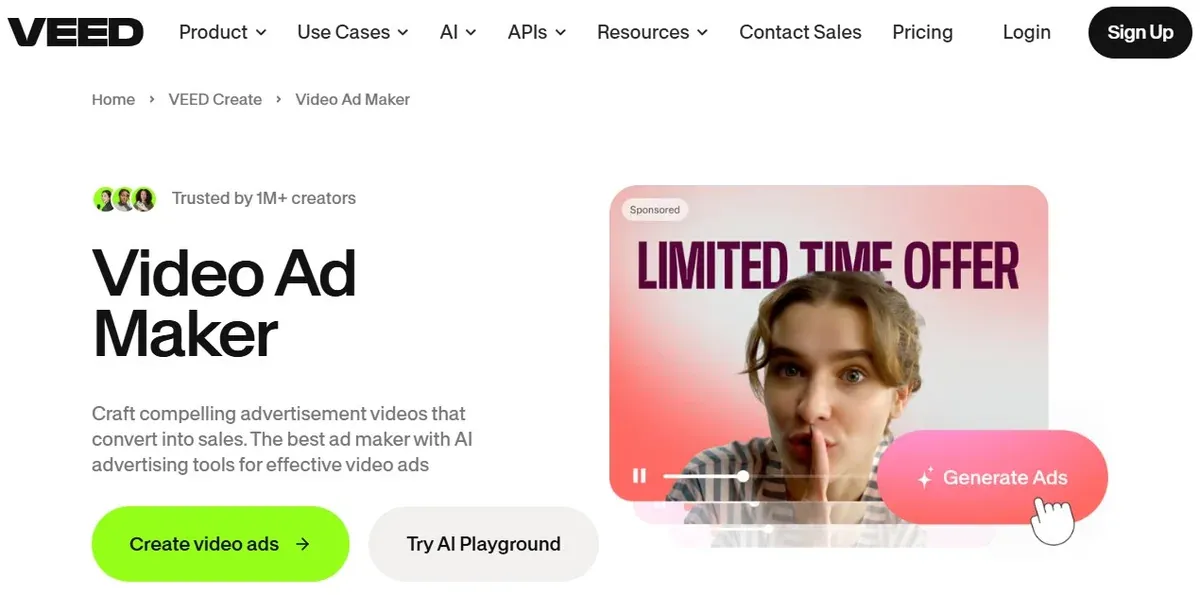 VEED keeps editing, subtitles, translation, and review inside the browser. Its video ad maker supports uploads, recording, voiceover, brand elements, and AI subtitles. The subtitle tools also cover auto-subtitles and translated caption tracks.
A language school can record one student testimonial, then prepare a captioned version, a shorter retargeting cut, and a translated version for another audience. The browser setup reduces file handoffs when a founder, freelancer, and marketer review the same asset.
VEED keeps editing, subtitles, translation, and review inside the browser. Its video ad maker supports uploads, recording, voiceover, brand elements, and AI subtitles. The subtitle tools also cover auto-subtitles and translated caption tracks.
A language school can record one student testimonial, then prepare a captioned version, a shorter retargeting cut, and a translated version for another audience. The browser setup reduces file handoffs when a founder, freelancer, and marketer review the same asset.
VEED fits projects with:
- caption-heavy ads
- translated versions
- browser review
- short edits from mixed media
- voiceover additions
Check captions before export: short lines, no blocked faces, no covered price, no hidden CTA.
7. Invideo AI: First Drafts From Briefs, Product Links, and Scripts
 Invideo AI is for early ad drafts when the team has an offer but no shoot planned. It supports AI actors, product links, UGC-style ad flows, explainers, scripts, CTAs, subtitles, background music, voiceovers, and more than 50 languages.
An online course business can test three directions for the same class: a founder-style pitch, a student-result angle, and a short explainer. After the team picks the clearest hook, the ad can be recorded for real or rebuilt in a timeline editor.
Invideo AI is for early ad drafts when the team has an offer but no shoot planned. It supports AI actors, product links, UGC-style ad flows, explainers, scripts, CTAs, subtitles, background music, voiceovers, and more than 50 languages.
An online course business can test three directions for the same class: a founder-style pitch, a student-result angle, and a short explainer. After the team picks the clearest hook, the ad can be recorded for real or rebuilt in a timeline editor.
Use it at the draft stage for:
- first drafts from a brief
- product-link ads
- AI actor tests
- script variations
- multilingual concepts
Fact-check generated ads. Confirm claims, prices, translations, and product visuals before launch.
8. Creatify: Ecommerce SKU Testing From Product URLs
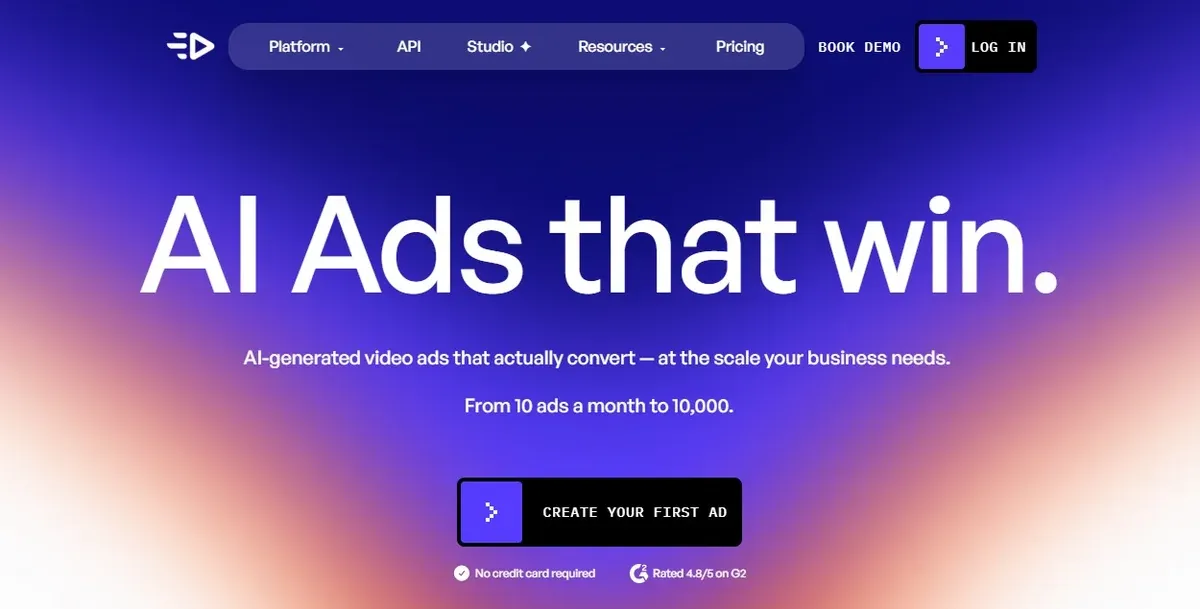 Creatify focuses on ecommerce ads created from product links. Its URL-to-video tool turns a product page or link into a video ad, and Creatify also offers AI avatars, product videos, scripts, batch workflows, and asset generation.
A skincare store can turn separate cleanser, serum, and moisturizer pages into draft ads, then adjust the opening line, CTA, and claim for each product. Creatify lets ecommerce teams make quick draft ads for many products, so they can see which products and angles are worth spending more time on.
Creatify focuses on ecommerce ads created from product links. Its URL-to-video tool turns a product page or link into a video ad, and Creatify also offers AI avatars, product videos, scripts, batch workflows, and asset generation.
A skincare store can turn separate cleanser, serum, and moisturizer pages into draft ads, then adjust the opening line, CTA, and claim for each product. Creatify lets ecommerce teams make quick draft ads for many products, so they can see which products and angles are worth spending more time on.
Creatify is most relevant for:
- product URL ads
- ecommerce testing
- batch SKU videos
- avatar-led product demos
- product pages that need video variants
Avoid repeating the same avatar-and-script structure across every product. Add packaging clips, review screenshots, founder comments, or product close-ups to vary the rhythm.
9. PromoAI: Website-Based Ad Drafts for Service Campaigns
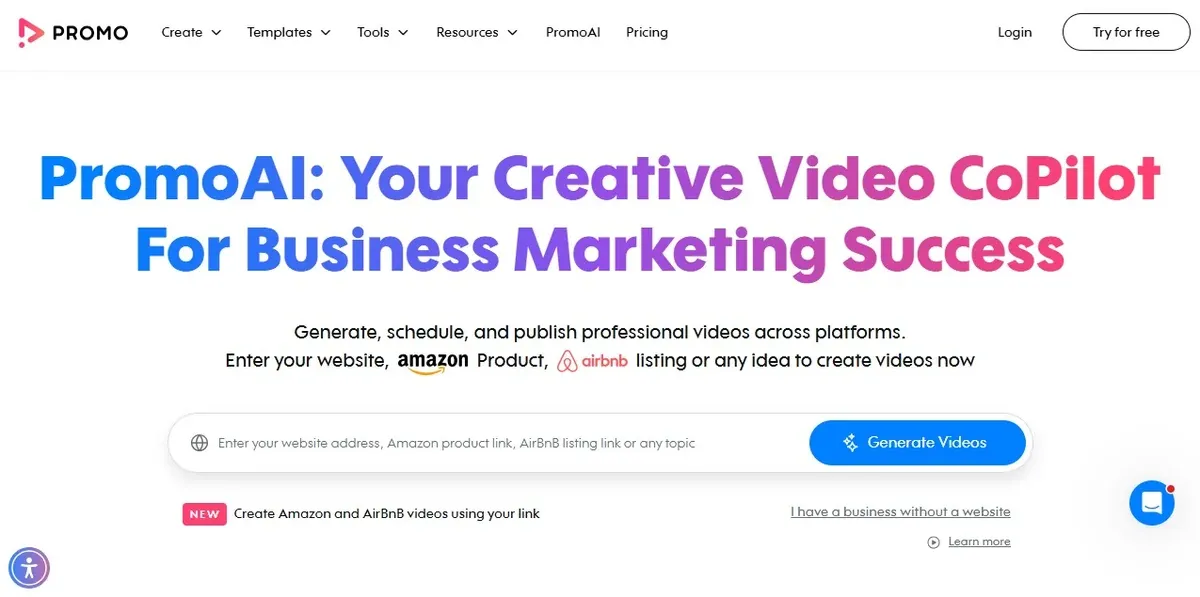 PromoAI starts from a website URL and turns it into branded video ads. The workflow asks for a website or landing-page URL, then creates branded videos and supports publishing and scheduling to social media.
PromoAI is mainly for service businesses with clear website pages and limited video material. The page gives the tool a starting point: brand cues, service language, and basic calls to action. A moving company can create separate drafts for packing, apartment moves, and office moves, then cut each ad down to one offer.
PromoAI starts from a website URL and turns it into branded video ads. The workflow asks for a website or landing-page URL, then creates branded videos and supports publishing and scheduling to social media.
PromoAI is mainly for service businesses with clear website pages and limited video material. The page gives the tool a starting point: brand cues, service language, and basic calls to action. A moving company can create separate drafts for packing, apartment moves, and office moves, then cut each ad down to one offer.
PromoAI works from:
- website-based drafts
- local service campaigns
- simple branded videos
- seasonal offers
- scheduled social posting
A homepage usually contains too many messages for one paid ad. Keep one service, one proof point, and one action.
10. Biteable: Animated Ads for Abstract Services
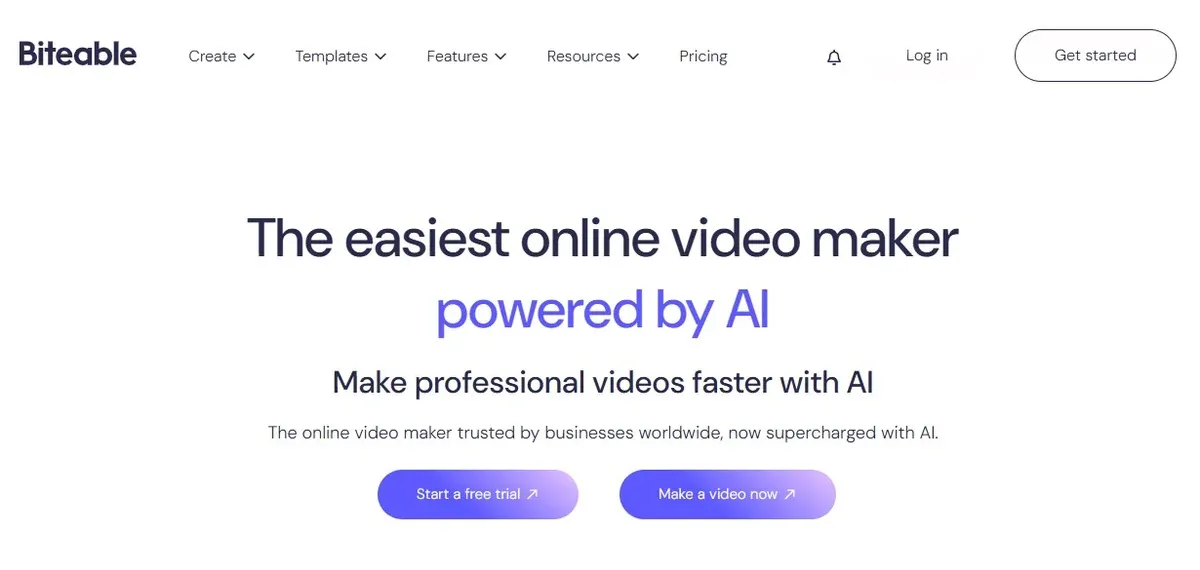 Biteable handles animated, template-led ads. Its ad tools include templates, new scenes, animations, music, uploaded footage, logos, brand colors, and calls to action.
Animation can explain services that are awkward to film. Bookkeeping, HR consulting, cybersecurity, insurance, and training often look flat on camera. Biteable can turn the service into short scenes with a problem, service step, and CTA.
Biteable handles animated, template-led ads. Its ad tools include templates, new scenes, animations, music, uploaded footage, logos, brand colors, and calls to action.
Animation can explain services that are awkward to film. Bookkeeping, HR consulting, cybersecurity, insurance, and training often look flat on camera. Biteable can turn the service into short scenes with a problem, service step, and CTA.
Animation can carry:
- animated explainers
- process ads
- B2B promos
- internal sales videos
- abstract service offers
Physical products need real visuals when texture, size, taste, or finish affects the sale.
Creative Checks Before You Export
Make the Offer Sentence Specific
Write the ad in one sentence before editing. Weak: "Try our new skincare products." Better: "Get 20% off the new vitamin C serum this weekend." That sentence tells you what must appear on screen: product, discount, deadline, and next step. Anything unrelated can go.
Edit Captions Like Ad Copy
Auto subtitles are a draft. Clean them into short lines that match the pace of the video. A spoken line like "This is the package we usually recommend for first-time clients" can become "First visit? Start with this package." The viewer should not have to read long transcript-style captions while watching the product or service.
Keep the Selling Line Clear
Price, discount code, booking line, deadline, and CTA should stay away from platform buttons and captions. This matters most in vertical placements, where interface elements can cover the lower part of the frame. Check the export once in the format where the ad will run.
Test One Change at a Time
Do not remake the whole ad for every version. Change one element and keep the rest stable: first shot, opening caption, proof point, offer wording, or CTA. If one version performs better, you can actually see what changed the result.
Match the Claim With Proof
A claim needs something concrete on screen. "Fast delivery" needs a delivery window. "Easy setup" needs the setup step. "Limited offer" needs a date or quantity. Attractive footage alone will not prove the claim.
Recent Video Ads Worth Studying
CeraVe: Michael CeraVe
CeraVe's 2024 Michael CeraVe campaign used the similarity between the brand name and Michael Cera's name, then corrected the joke with a product fact: CeraVe products contain ceramides and are developed with dermatologists. The campaign won the Social & Influencer Grand Prix at Cannes Lions 2024. Borrow the move: turn a common misunderstanding into the opener, then answer it with a product fact.
DoorDash: All the Ads
DoorDash's 2024 Super Bowl campaign made the action part of the ad. Viewers had to enter a 1,813-character promo code for a chance to win items from the Super Bowl ads that aired during the game. A small business can use the same logic at a smaller scale: make the action memorable, not just a button on the last frame.
Telstra: Better on a Better Network
Telstra's Better on a Better Network campaign won the Film Craft Grand Prix at Cannes Lions 2025. The campaign used 26 short stop-motion films, each 15 seconds long. Use one format across several products, locations, dishes, rooms, or customer goals. The structure repeats; the details carry the difference.
How to Choose Your Tool Stack
Start with the source material. For a product photo, sale card, or event date, use Canva or Adobe Express. For a simple promo video with effects, captions, and AI tools, use Movavi Video Editor. For TikTok and Reels-style pacing, use CapCut. For a founder or expert recording, use Descript. For captions, translations, and browser review, use VEED. For a product URL, website, or rough brief, use Invideo AI, Creatify, or PromoAI. For an abstract service or process, use Biteable.
A small business does not need ten apps. Pick the blocker first, then choose the video ads software that removes it.
Movavi team
Industry News desk