
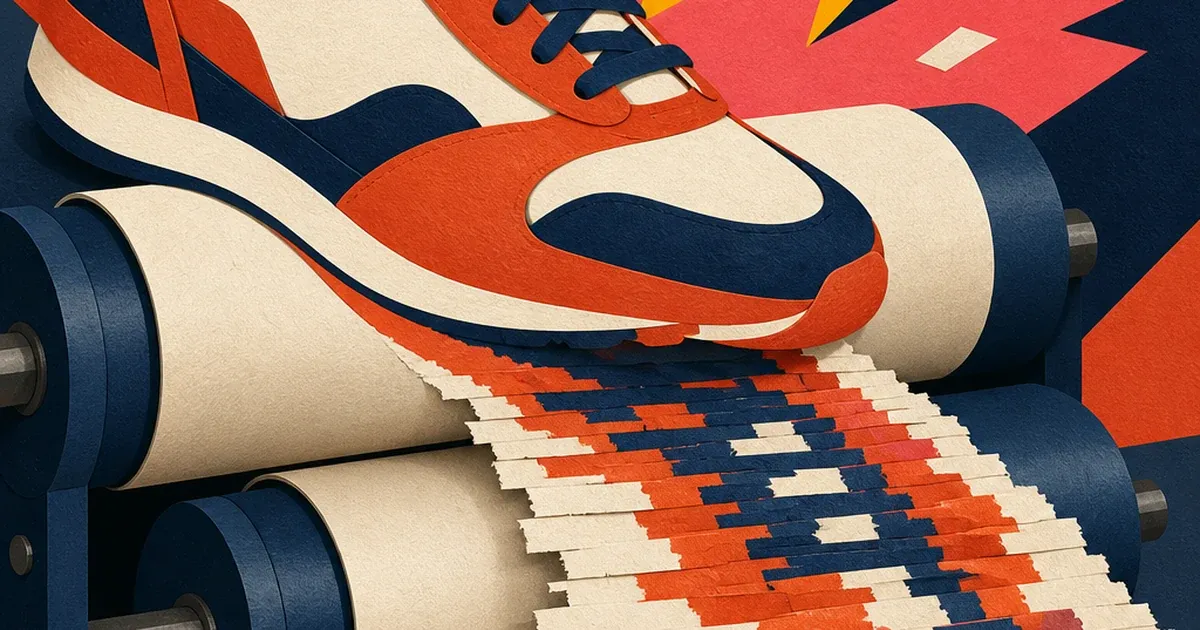
The photo looked fine in your product gallery. Then you pulled it for a Facebook ad and the fabric texture turned to mush, the smooth background gradient banded into visible stripes, and the edges around the logo went soft and blocky. Nobody touched the lighting. Nobody re-edited the file. The photo just went through two separate compression passes before a human ever saw the problem.
Where the second compression comes from
Shopify's own help documentation confirms the first pass happens automatically: images uploaded to a Shopify store are served through Shopify's CDN, which compresses and reformats them for storefront delivery, picking a quality setting tuned for page speed rather than for a pixel-perfect source file. That's the right trade-off for a product page loading fast on a phone. It's the wrong file to hand to an ad platform.
The second pass happens the moment that already-compressed image gets uploaded as an ad creative. Advertisers on Meta's own community forums have documented this for years: Facebook recompresses every image it receives, and if what you upload is already a compressed JPEG, Facebook compresses it again on top. The platform doesn't warn you. It just serves a visibly softer image than the one you uploaded.
Run those two passes back to back on the same file and you get what photography and compression researchers call generation loss, a documented JPEG phenomenon where each additional compression pass misreads the artifacts left by the previous pass as if they were real image detail, and compresses around them too. Uploadcare's technical breakdown of the effect calls it the "photocopier effect" for exactly this reason: each generation looks a little worse than the last, and the damage compounds specifically in the areas JPEG already struggles with, smooth gradients and fine repeating texture, which is why a flat background band or a woven-fabric close-up shows the damage first and worst.
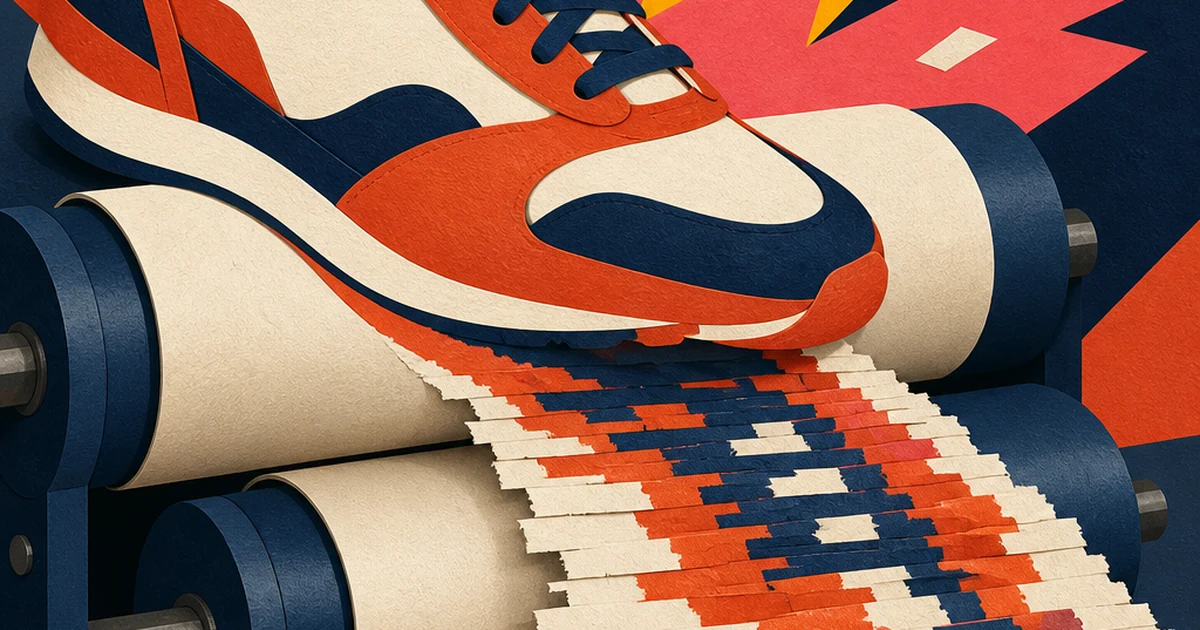
Why this is invisible until it's an ad
A Shopify store owner never notices the first compression pass because the storefront image still looks sharp enough on a product card at typical browsing size. The damage only becomes visible when that same file gets pulled out, downloaded or screenshotted from the live store, and blown up to fill an ad unit at full size, then compressed a second time by the ad platform itself. By the time it's live in Ads Manager, the file has been through two lossy passes the merchant never directly controlled, and the only thing anyone sees is "this ad looks cheap" with no obvious cause.
This is a different failure than a camera-side or lighting problem. Nothing was shot wrong. The source photo, if you could find the original export before Shopify ever touched it, is probably fine. The actual fix isn't relighting or reshooting. It's repairing the compression damage on the file you actually have, since most merchants don't keep an untouched master file on hand for every SKU once it's live on the storefront.
What Coinis can fix without a reshoot
Ad Studio's enhance_asset_proxy tool includes an upscale-and-sharpen operation built for exactly this kind of damage: recovering detail and smoothing out blocky compression artifacts on a photo that's already degraded, without touching the product itself (the same repair tool covered in our AI photo enhancer for ads breakdown). Point it at the double-compressed storefront image and it rebuilds the texture and gradient detail the two compression passes flattened, then generate_image_templates takes that repaired file and fans it out into every ad format a campaign actually needs, square, Story, landscape, from the one corrected source.
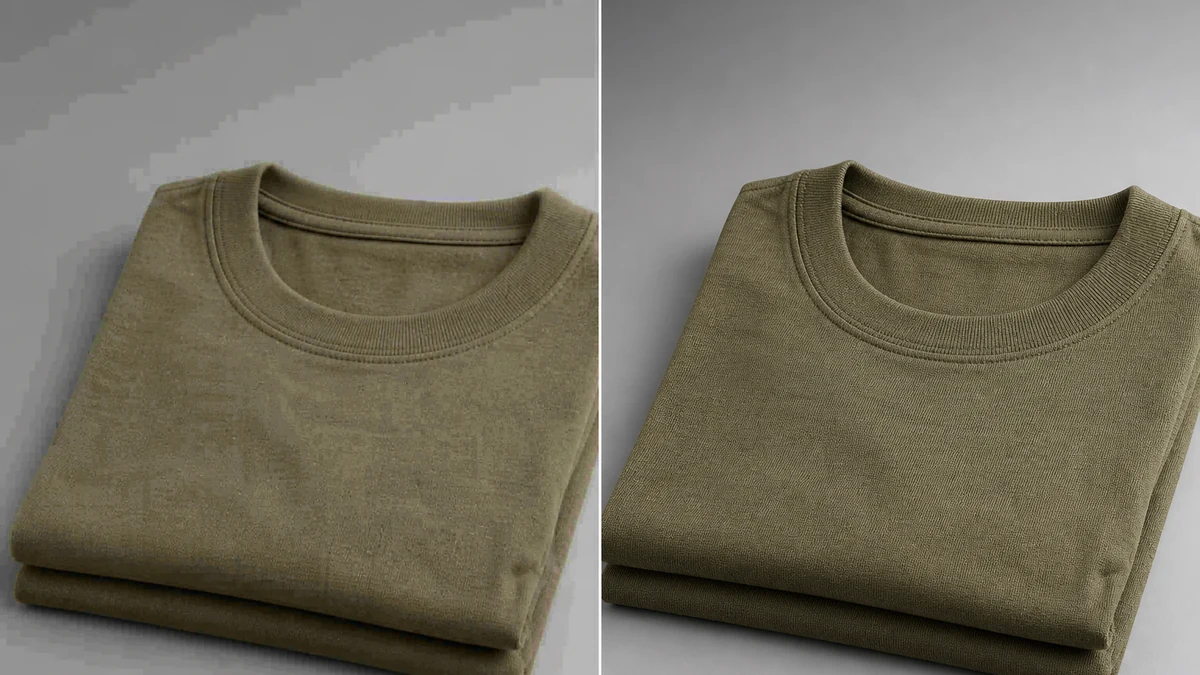
Illustrative example. mcp.coinis.dev marketplace generation was unavailable during this draft's Phase 5 session due to a confirmed OAuth outage, so this image was generated directly via gpt-image-2 as a stand-in for the actual enhance_asset_proxy output. See One Product Photo, Every Ad Size for a real generate_image_templates render once the marketplace connection is restored.
Worked example, the exact operation used:
model: enhance_asset_proxy (recraft-image-enhance-gen operation)
imageUrl: [the double-compressed Shopify storefront export]
instruction: restore fine fabric texture and smooth gradient banding introduced by repeated JPEG compression, keep product color, shape, and logo placement identical
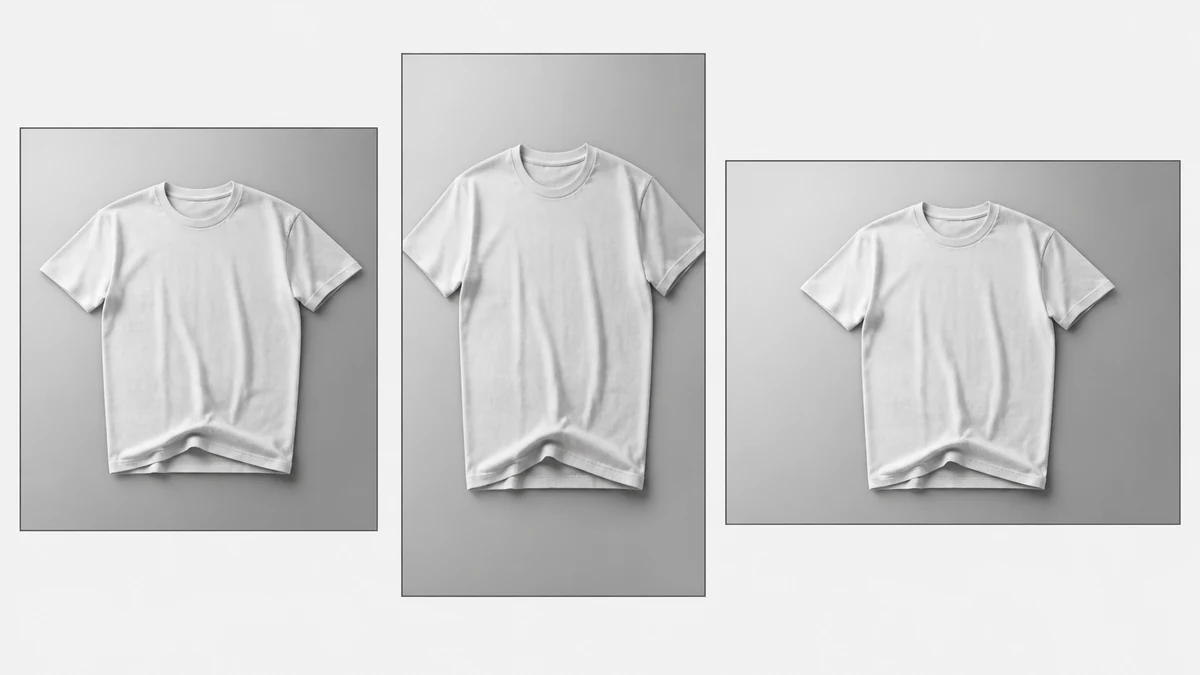
Illustrative example, same OAuth-outage substitution as above. The real workflow runs enhance_asset_proxy's output directly into generate_image_templates in one pipeline.
The fix that actually prevents it next time
Repairing one damaged file solves today's ad. The recurring version of this problem needs a process change: stop sourcing ad creative from the live storefront image at all. Every time a merchant downloads or screenshots a product photo straight off their own Shopify page to use as an ad, they're starting from a file that's already lost a generation of quality before the ad platform even sees it.
The reliable fix is keeping (or recovering, via the repair step above) one clean master file per product and generating every ad format from that master, not from whatever the storefront happens to be serving that week. That's the same discipline the dropshipping-ads angle on this blog makes for a different reason, sourcing every seller's ad from the same shared supplier photo, except here the quality loss is self-inflicted by the merchant's own storefront pipeline rather than a shared catalog.
FAQ
How do I know if my product photo has generation loss instead of just being a low-quality source image? Look for banding in flat color gradients (a background or a solid-color product surface showing visible stripes instead of a smooth transition) paired with blocky, grid-like softness specifically around fine texture, fabric weave, small text, thin lines. A genuinely low-resolution source photo looks uniformly soft everywhere. Generation loss looks fine in large flat areas and falls apart specifically where JPEG's compression math struggles.
Can I just re-upload a higher-resolution version instead of repairing this one? Yes, if you still have an untouched master file that never passed through the Shopify CDN. Most merchants don't, since the only copy they interact with day to day is the one already live on the storefront, which is why a repair step matters even when a "just use the original" answer sounds simpler.
Does this affect video ads the same way? A related but distinct version of this problem hits screen-recorded video (webinar clips, course footage) getting re-encoded twice, covered separately on this blog, since video compression artifacts (macroblocking, chroma blur) behave differently from static-image JPEG generation loss.
Will Ad Studio's fix survive a third compression pass once the platform recompresses my upload again? The repair restores enough real detail that the platform's own compression pass has accurate image data to work from instead of pre-existing artifacts, which is the actual mechanism of generation loss, each pass compounding on the last pass's damage rather than the raw pixel count. It won't make the file immune to any compression, but it removes the compounding effect that made the damage visible in the first place.
Stop shipping the second-generation copy
Every Shopify merchant running ads is pulling creative from a file that already went through one compression pass they never asked for. The fix isn't a reshoot and it isn't manually fighting with export settings. Repair the damaged file with Ad Studio's enhance_asset_proxy, then fan it into every ad size you need with generate_image_templates, and the ad launches from a clean source instead of a second-generation copy of one.
Sources
- Shopify Help Center, "Uploading images" (CDN automatic compression and format selection): https://help.shopify.com/en/manual/online-store/images/theme-images
- Shopify community discussion confirming CDN recompression behavior on uploaded storefront images: https://community.shopify.com/t/what-benefits-does-image-compression-bring-to-shopify-uploads/39453
- Meta/Facebook user community documentation of recompression-on-upload for already-compressed images: https://www.reddit.com/r/photography/comments/4tdlky/has_anyone_actually_solved_facebooks_compression/
- Uploadcare, "JPEG quality loss: Why and how to manage it" (generation loss / "photocopier effect" mechanism): https://uploadcare.com/blog/jpeg-quality-loss/
- Wikipedia, "Compression artifact" (technical definition, links to generation loss): https://en.wikipedia.org/wiki/Compression_artifact

Isidora Matovic
Author
Social media enthusiast and a full time researcher. She takes digital presence very seriously and that is why you are always in touch in what is going on with us! Follow us for more posts like this.