
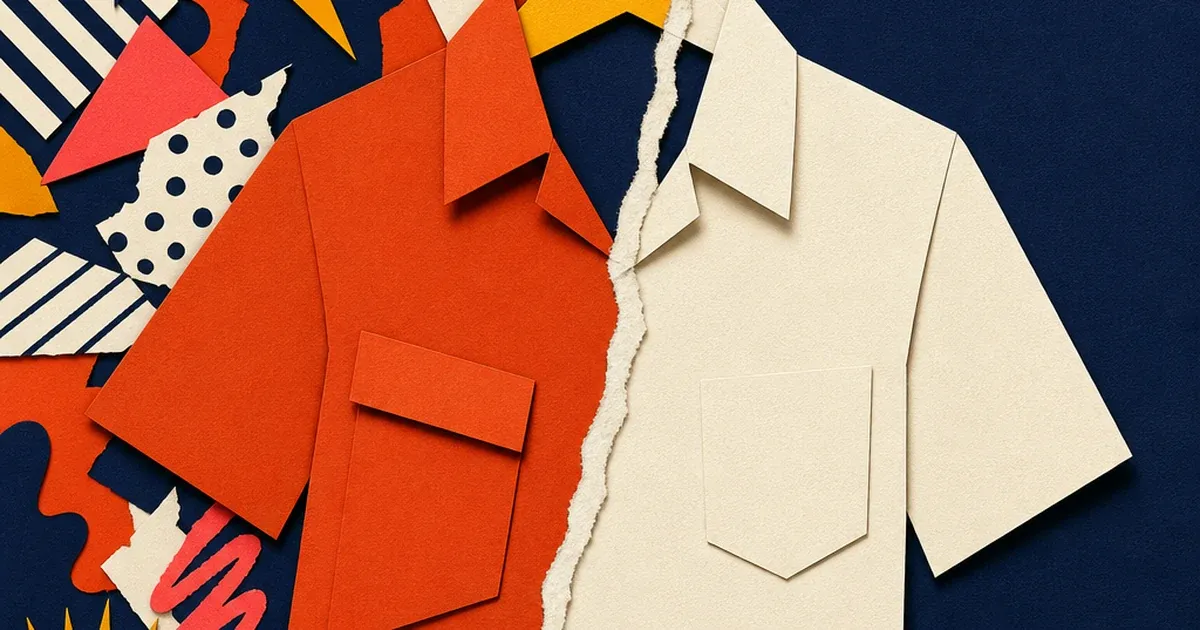
A clothing brand ships a new drop. The product shots look fine on the brand's own site, on-brand color backdrop, a lifestyle setting, maybe a patterned studio flat. Then the same photos go into a Shopping feed or a Facebook catalog, and Merchant Center's Diagnostics tab starts flagging disapprovals: distracting background, promotional overlay, image doesn't clearly show the product. The ad account that was supposed to launch same week now needs a reshoot, or a scramble to swap in whatever generic stock photo is lying around.
Most of that scramble is avoidable. The background problem behind these disapprovals is fixable on the existing photo, without a new shoot, and the same corrected file can be turned into every ad size the campaign actually needs in one pass.
What Google and Meta actually require, and where apparel gets tripped up
Google's own Merchant Center image guidelines are specific about what gets a product disapproved outright: no watermarks, no logos standing in for the product, no promotional text or price overlays, no borders, no placeholder or generic stock imagery (Google Merchant Center Help, "Image link [image_link]," Image guidelines section, support.google.com/merchants/answer/6324350). None of that is negotiable. A photo that violates any of it gets rejected in Diagnostics, full stop.
The background color itself is a softer rule. Google's own guidance calls a solid white or transparent background a best practice, not a hard requirement, and explicitly allows staged or lifestyle images as long as the product stays clearly visible. Apparel gets its own carve-out on top of that: Google recommends showing clothing worn by a model rather than flat on white, since a full-body shot communicates fit and drape in a way a hanger shot cannot. The trap for a lot of apparel catalogs isn't "wrong background color," it's a background that's busy, cluttered, or inconsistent enough between SKUs that it reads as distracting, or a shot with a stray watermark or a cropped model that fails the hard requirements above it.
Meta's own Commerce catalog specifications add a second, separate set of rules a feed has to clear: JPEG or PNG under 8MB, an image that accurately represents the product, no content that violates Meta's Advertising Standards for the ad surface it feeds into (Meta Business Help Center, "Product image specifications for catalogs," facebook.com/business/help/686259348512056). A photo can pass Google's check and still trip Meta's, or the other way around, because the two platforms run separate review passes on the same feed.
Why a rejected apparel photo is more expensive than it looks
Merchant Center doesn't just quietly drop a bad image, it disapproves the whole product listing, which means zero Shopping impressions for that SKU until the feed is fixed and recrawled, a process Google's own documentation says typically takes three days once a new image URL is submitted, and can stretch to six weeks if the same URL is reused with different content. A launch-week drop that gets flagged on day one can spend most of its launch window invisible in Shopping results while the fix works through the recrawl queue.
There's a second cost sitting underneath the disapproval itself. The National Retail Federation's 2025 Retail Returns Landscape (with Happy Returns) puts total retail returns at a projected $849.9 billion in 2025, with 19.3% of online sales returned overall (NRF, "2025 Retail Returns Landscape," October 2025). A photo that gets waved through review but still shows the product inconsistently against a busy, off-brand, or poorly lit background doesn't just risk disapproval, it risks the shopper arriving expecting something the photo didn't quite show. Getting the background right isn't only a compliance checkbox, it's the same photo doing double duty as the thing that sets the shopper's expectation correctly.
Fixing the background without a reshoot
Ad Studio's repair layer, enhance_asset_proxy, handles exactly this kind of fix. One tool covers background replacement, upscaling, sharpening, lighting correction, and object removal, all through a single model field that pairs the specific correction to the specific flaw. For a background problem, the op is recraft-replace-background: point it at the existing product photo, describe the replacement backdrop, a clean, evenly lit background at the exact tone the catalog needs, and the model swaps out everything behind the product while leaving the garment itself untouched.
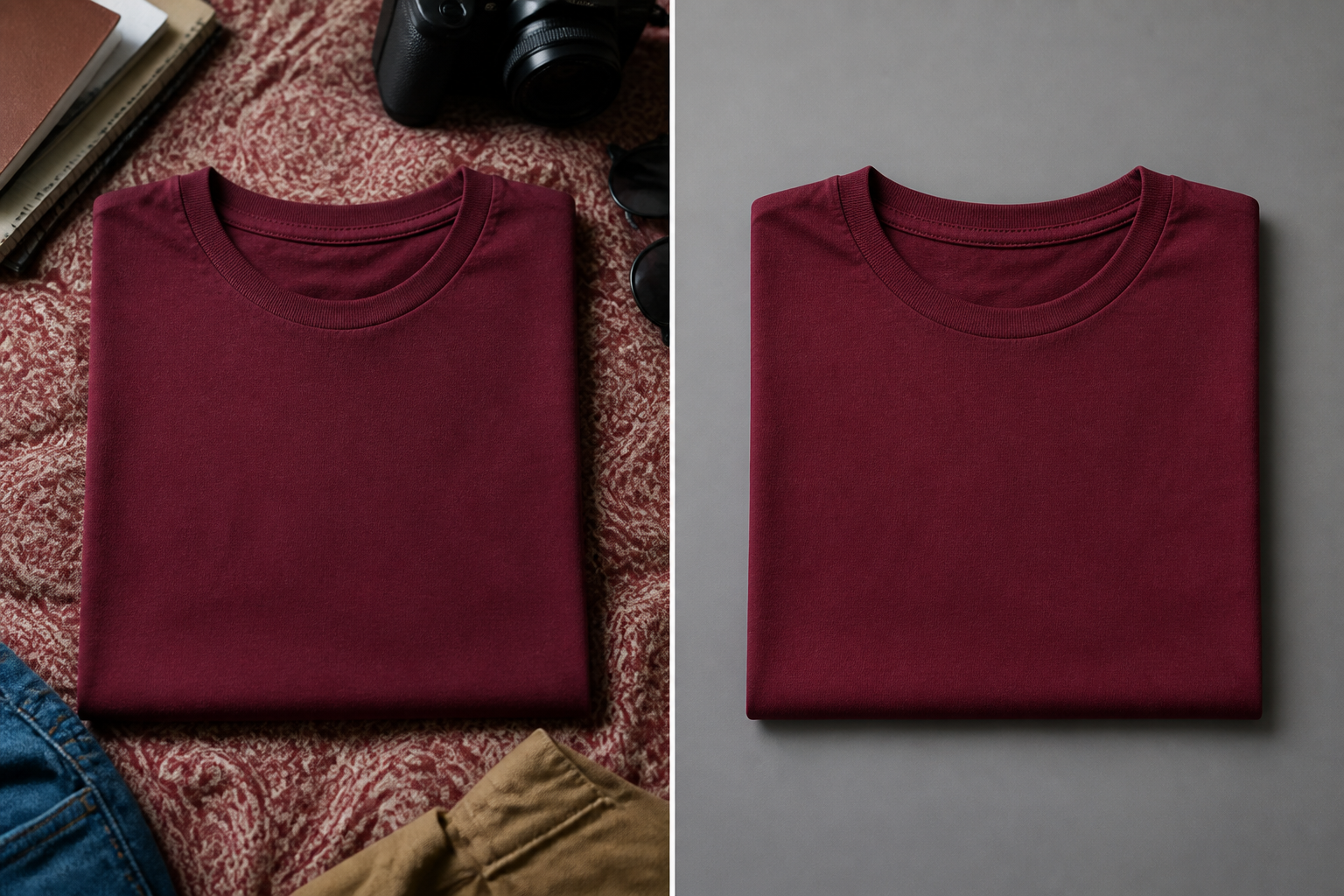
Illustrative before/after. mcp.coinis.dev, the backend behind Ad Studio's enhance_asset_proxy tool, is mid-outage as this article was finished (refresh-token authentication failure, tracked since 2026-08-09). This composite shows the background-swap concept with a generic garment. A real enhance_asset_proxy recraft-replace-background render already ships in Bad Product Photos Are Costing You Sales. A future session will swap this in for a real apparel render once the connection is restored.
This is the same repair-then-generate sequencing already proven on a car dealership's windshield glare and a jewelry brand's blown-out specular highlight, aimed here at a different flaw entirely, a background that fails a platform's review pass rather than a lighting defect on the product itself. The order still matters: fix the actual flaw on the source photo first, then multiply it.
One corrected photo, every ad size the campaign needs
Once the background reads clean, generate_image_templates, Ad Studio's primary image-ad generator, turns that single corrected file into the full set of ad formats a launch actually needs: a square Facebook feed post, a 9:16 Instagram Story, a horizontal Display banner. Each format gets its own crop and composition from the same source, so the background fix only has to happen once per SKU, not once per platform export.
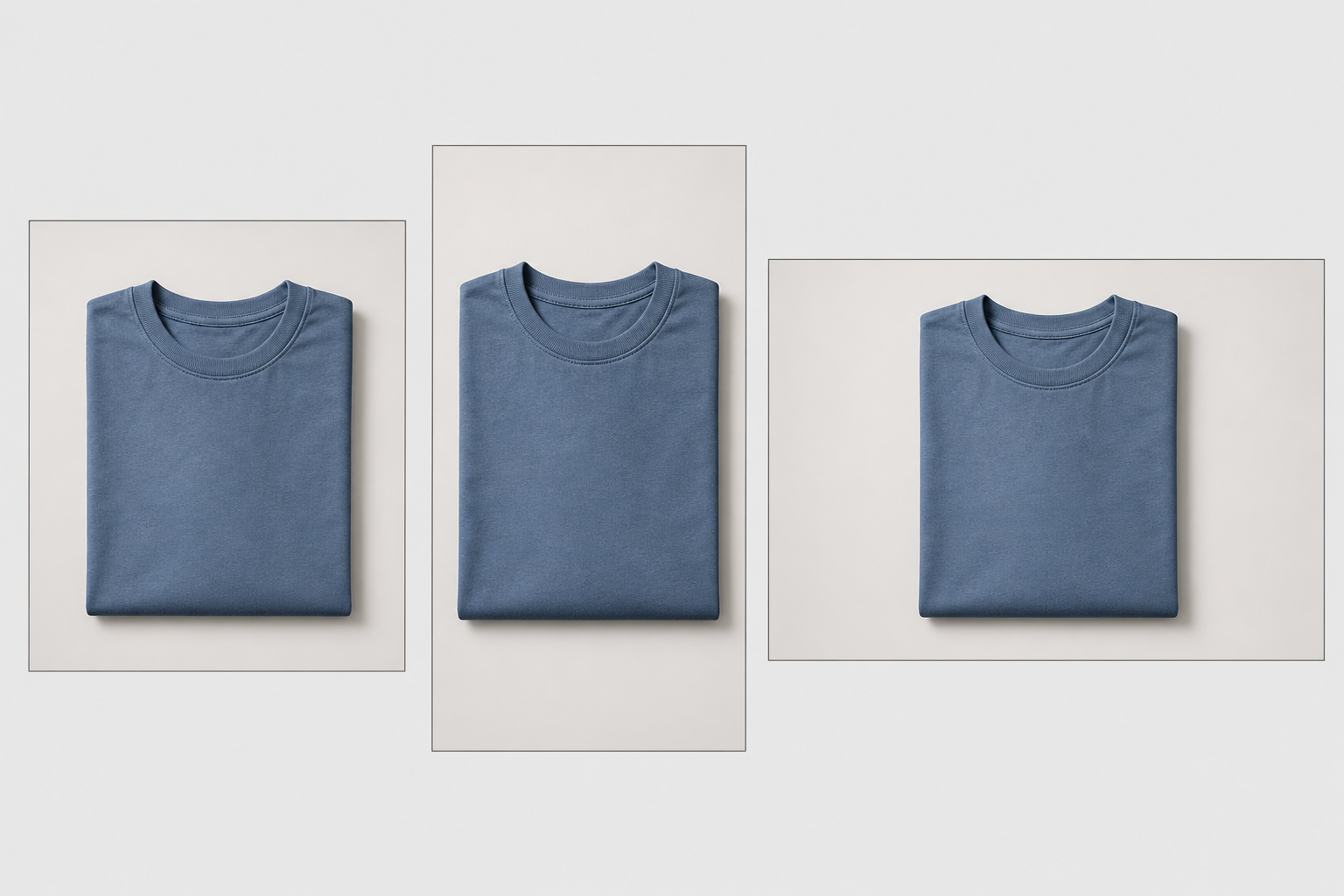
Illustrative multi-format mockup. The real generate_image_templates fan-out is demonstrated with an actual product photo in One Product Photo, Every Ad Size. This placeholder-garment composite stands in while mcp.coinis.dev's generation backend is down (same outage noted above).
A catalog with dozens or hundreds of SKUs multiplies this savings fast. Doing the background fix on five separate exports per SKU means the same correction has to be repeated five times and can drift slightly on each pass, while a repair-once, generate-many chain guarantees every format traces back to the identical corrected source.
Building this into an apparel catalog's actual launch workflow
A new drop lands on a schedule, not once. Each SKU that comes in with a background problem needs the same two-step fix before it goes anywhere near a live feed: enhance_asset_proxy with the recraft-replace-background op to correct the backdrop, then generate_image_templates to fan the corrected file out to every ad size. Doing it in the other order, resizing a photo that still has the disapproval-triggering background baked in, just multiplies a problem that was going to get flagged anyway.
This is the same creative-fatigue math already covered in mobile game ad creative fatigue and the same localization math in one ad, every market: one clean source asset, reused and reformatted rather than reshot, is what keeps a fast-moving catalog from bottlenecking on photography. An apparel brand publishing new drops weekly can't afford a studio session and a Merchant Center review cycle for every SKU. A corrected source photo and a template fan-out gets a launch-ready feed live without either. See the full AI ad generator for fashion brands overview for how this fits alongside compliant ad copy and targeting for the category.
FAQ
Does enhance_asset_proxy change the garment itself, the fabric color or texture? No. The background-replace op swaps out what's behind the product, not the product itself. Fabric color, texture, cut, and fit stay exactly as photographed.
Is a plain white background always required for apparel? No. Google's own guidance treats white or transparent as a best practice for non-apparel products, and explicitly recommends showing clothing worn by a model over a flat white hanger shot. The actual hard requirements are narrower: no watermarks, no promotional overlays, no borders, no generic stock imagery, and a background that isn't distracting. The fix here is aimed at those, not at forcing every apparel photo onto pure white.
Will fixing the Google-side issue also fix a Meta catalog rejection on the same photo? Not automatically. Google and Meta run separate review passes with separate rulebooks, so a photo that clears one can still need a second look for the other. The same corrected source photo works for both once each platform's own catalog spec is checked against it.
Do I need a separate corrected photo for every ad platform and size? No. generate_image_templates produces every format from the one corrected source, which is the entire point of fixing the background once rather than on each individual export.
The Coinis angle
An apparel brand doesn't need a reshoot every time a catalog photo trips a Merchant Center disapproval or reads as inconsistent across a growing SKU list. Fix the one background problem on the existing photo with Ad Studio's enhance_asset_proxy, then turn that corrected file into a full ad-ready set with generate_image_templates, and land the result as a launch-ready ad through Ad Studio's templates instead of losing launch-week visibility to a recrawl queue.
Sources
- Google Merchant Center Help, "Image link [image_link]," Image guidelines section. https://support.google.com/merchants/answer/6324350
- Meta Business Help Center, "Product image specifications for catalogs." https://www.facebook.com/business/help/686259348512056
- National Retail Federation (with Happy Returns), "2025 Retail Returns Landscape," October 15, 2025. https://nrf.com/research/2025-retail-returns-landscape

Isidora Matovic
Author
Social media enthusiast and a full time researcher. She takes digital presence very seriously and that is why you are always in touch in what is going on with us! Follow us for more posts like this.