
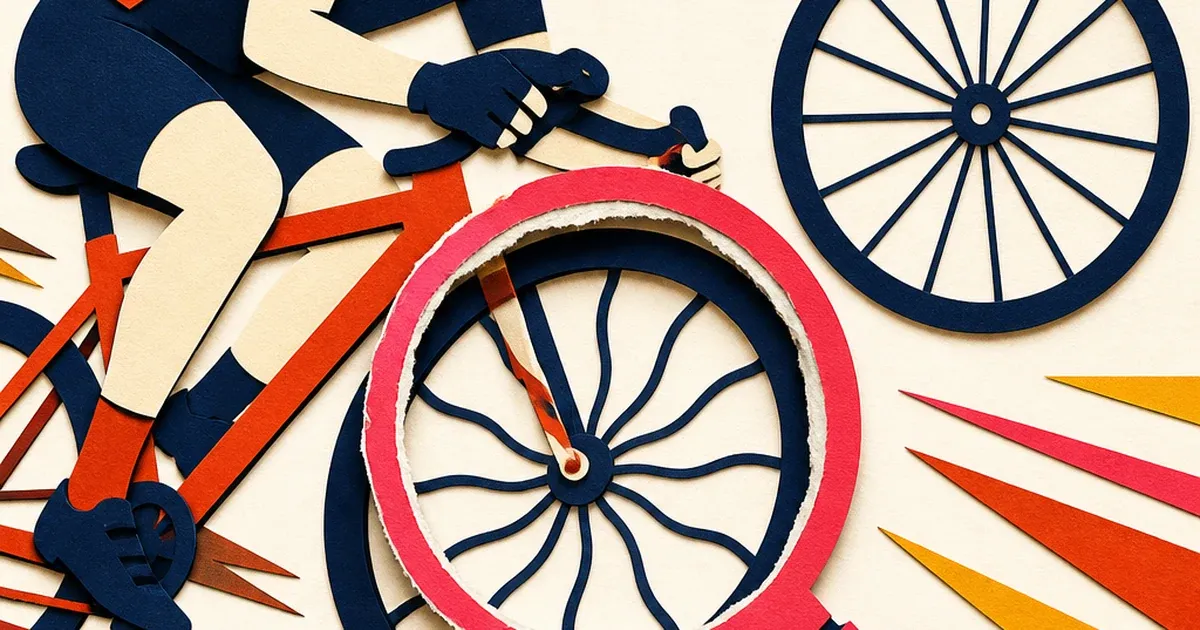
A cycling shop shoots a quick action photo of a bike rolling out the door for a new-arrival post. The frame looks fine on the small phone screen. Blown up into a Facebook carousel or a Google Display banner, the wheel looks off: the spokes curve like they are bending mid-shot, the rim looks slightly egg-shaped, and a straight line running through the background tilts where it should be flat. Nobody touched the bike. The wheel was never bent. The camera did this.
Why a spinning wheel breaks a smartphone camera and a car dealership's lot shot doesn't
Almost every phone and most consumer cameras use a CMOS sensor with a rolling shutter, meaning the sensor does not capture the whole frame in one instant. It scans across the image line by line, top to bottom, in a few milliseconds. For a still subject, that scan is fast enough that nobody notices the delay. For a fast-spinning object like a bicycle wheel, the delay is enough for the spokes to move measurably between when the top of the frame was scanned and when the bottom was, so straight spokes get recorded as curved ones (Wikipedia, "Rolling shutter," accessed 2026). The same effect is well documented on spinning airplane propellers, where a six-blade propeller photographed with a rolling-shutter phone camera renders as a warped, sickle-shaped smear instead of straight blades (Wikipedia, "Rolling shutter," citing a Pixel 3 propeller photo).
A parked car's chrome trim does not move fast enough during the scan to trigger this. A spinning bicycle wheel, especially one caught mid-pedal-stroke or rolling past the camera, moves exactly fast enough relative to the sensor's scan speed to warp. Videomaker's explainer on the effect describes the pattern precisely: a fast-spinning blade "will end up looking warped and then eventually bend back into their original shape as they rotate" as the scan catches different positions of the same spoke at different moments (Videomaker, "The rolling shutter effect explained," accessed 2026). Adobe's own guidance on the effect confirms the fix has to happen at the capture stage or in a dedicated correction pass, not with a generic photo edit: "adjust your shutter speed" is the standard advice for avoiding it during a shoot, and a rectification pass is needed to remove it after the fact (Adobe, "How to fix the rolling shutter effect," accessed 2026).
Why generic motion-blur advice does not fix this
Most small-business photo tips lump every moving-subject problem into one bucket: "use a faster shutter speed to freeze the action." That advice helps with ordinary motion blur, a runner's legs smearing, a dog mid-jump losing edge sharpness, and Canon's own motion-photography guide recommends shutter speeds up to 1/2000 sec or faster for fast subjects like cars and birds in flight (Canon, "Motion photography: how to capture movement in your images," accessed 2026). Rolling shutter warp is a different mechanism entirely. It is not blur from the shutter staying open too long, it is geometric distortion from the sensor reading different parts of the frame at different instants. A faster shutter speed reduces ordinary blur but does not eliminate rolling-shutter warp on a fast-spinning wheel, because the read-out scan speed of the sensor, not the exposure duration, is what causes the curve. A bike shop following standard "shoot fast" advice can still end up with bent-looking spokes in an otherwise sharp, well-lit photo.
That mismatch matters more for cycling retail than it looks. Bicycle dealership and repair is a multi-billion-dollar US industry, and independent shops increasingly compete on paid search and social for local visibility, with shops running managed Google Ads campaigns reporting return in the range of eight dollars for every dollar spent when the creative and landing page hold up (Workstand, "The Bike Shop Marketing Guide," accessed 2026). A warped-looking wheel in the exact creative meant to sell that bike undercuts the ad before the targeting or bid strategy even gets a chance to work, and it shows up on Coinis's own cycling industry page as exactly the kind of defect a photo-repair pass is meant to catch.
The fix is a geometric correction, not a color or exposure pass
A rolling-shutter warp lives in one specific region of the frame, the spinning wheel, while the rest of the bike, the rider, and the background stay geometrically normal. That makes it a localized correction problem rather than a whole-photo pass. The mask needs to hug the wheel and any part of the spoke pattern showing the curve, leaving the frame, background, and rest of the bike untouched.
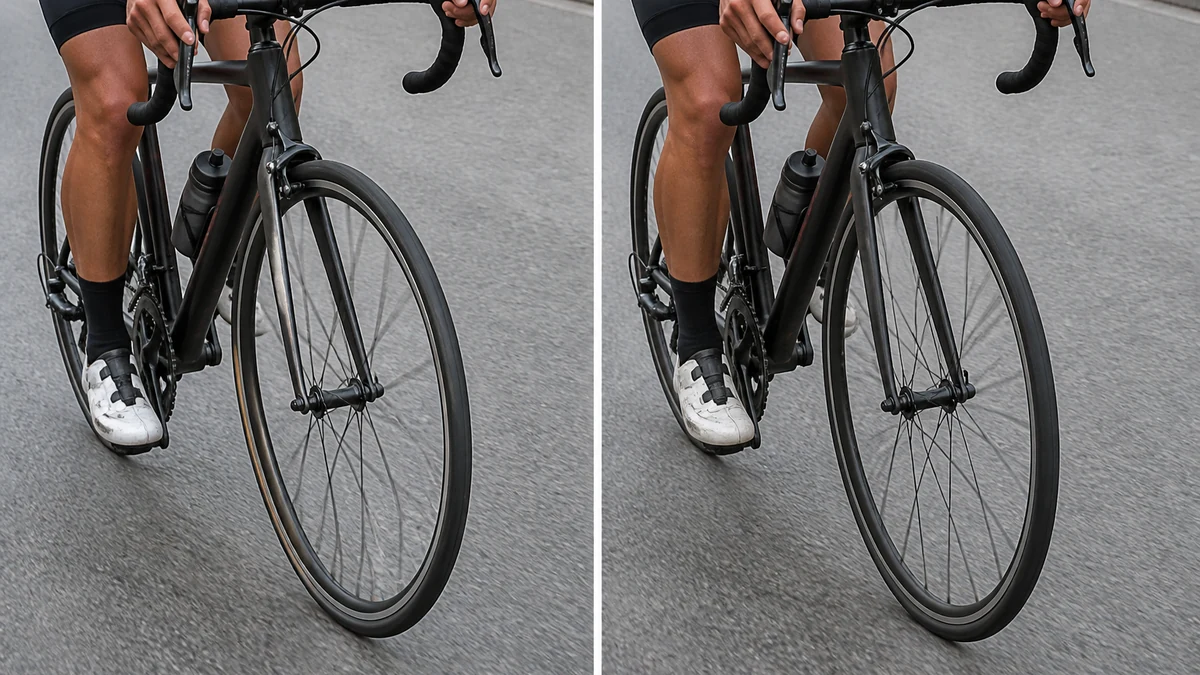
mcp.coinis.dev (the tool that runs enhance_asset_proxy) was down this session with a "Coinis session is no longer valid" error, an outage running since 2026-08-21. The before/after above is an illustrative substitute generated directly, not a live enhance_asset_proxy render. See the jewelry ad photo fix piece for a real enhance_asset_proxy masked-correction render on a different defect, using the same tool this article describes.
On Coinis, this runs through Ad Studio's photo-repair tool, enhance_asset_proxy. The same masked-correction approach that straightens a glare streak on a bottle, a glare reflection on a screen, or a specular hotspot on a ring applies here: a tight mask around just the distorted wheel, paired with a prompt describing only the corrected end state, resets the spokes to straight lines and the rim to a true circle without touching the rider, the rest of the bike, or the background behind it.
From one corrected action shot to a full campaign
A single corrected photo still needs to become an actual ad set. A bike shop or cycling brand typically needs a square crop for a Facebook or Instagram feed post, a vertical crop for Stories and Reels, and a wide landscape crop for Google Display or a website banner, all showing the same ride with straight spokes and a true wheel shape across every size.
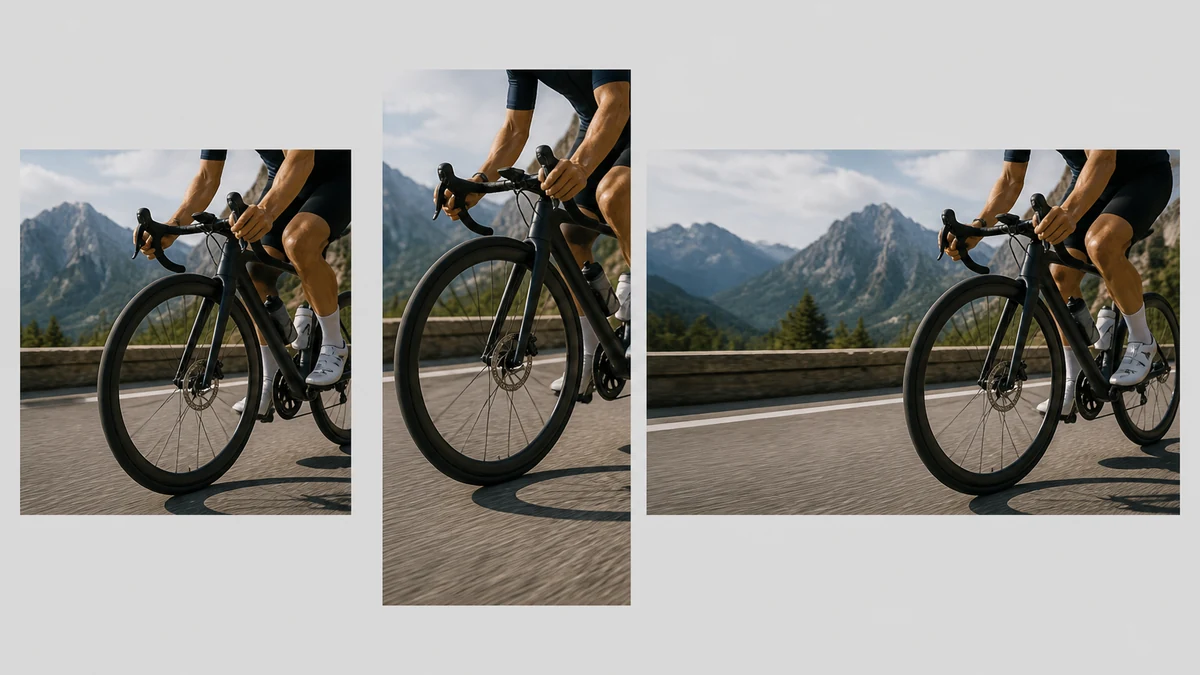
This fan-out is also an illustrative substitute for the same reason above. See the one photo, every ad size piece for a real generate_image_templates render.
Coinis's generate_image_templates tool takes the one corrected photo and produces a matched set across every standard ad size in a single Ad Studio workflow, instead of a shop owner cropping three separate files by hand and hoping the same distortion doesn't survive into a new crop.
What to do with an action cycling photo before it becomes an ad
- Assume any photo with a spinning wheel, wheel, propeller, or fast-rotating part is a rolling-shutter risk, even from a modern phone camera shot in good light.
- Do not treat this as a motion-blur problem. A faster shutter speed helps ordinary blur but does not remove geometric warp caused by the sensor's scan speed.
- Correct with a mask tight to the wheel or rotating part, not a full-frame pass, since the rest of the photo is already geometrically correct.
- Generate every ad size from the corrected photo, not the original, so the warp does not resurface in a crop pulled from the uncorrected source.
FAQ
Why do bicycle spokes look bent in a photo when the wheel was never damaged? Most cameras use a rolling shutter, meaning the image sensor reads the frame line by line over a few milliseconds instead of all at once. A fast-spinning wheel moves enough during that scan for straight spokes to record as curved lines, a documented effect also seen on spinning airplane propellers (Wikipedia, "Rolling shutter").
Does a faster shutter speed fix this? It reduces ordinary motion blur but does not remove rolling-shutter warp, because the distortion comes from the sensor's scan speed, not how long the shutter stays open. This is the specific mismatch that makes generic "shoot faster" advice miss the actual problem.
Is this the same fix as a glare or reflection problem on a product photo? The correction tool is the same masked-repair approach, but the defect itself is different: glare and reflection are lighting problems, rolling-shutter warp is a geometric distortion problem localized to whatever part of the frame was spinning fast enough to trigger it.
Does correcting the wheel change anything else in the photo? No. A properly masked correction only touches the distorted wheel region. The rider, the rest of the bike, and the background stay exactly as shot.
What ad sizes does a cycling brand or bike shop actually need from one photo? At minimum a square crop for feed posts, a vertical crop for Stories and Reels, and a landscape crop for Display or a website banner. Generating all three from the same corrected photo keeps the wheel looking right across every placement.
Turn today's ride shot into this week's campaign
A bike shop does not need a slow-motion camera rig or a reshoot to get a wheel that looks the way it actually spins. It needs the rolling-shutter warp masked and corrected once, then generated into every format the campaign requires. On Coinis, that is enhance_asset_proxy for the correction and generate_image_templates for the fan-out, run through Ad Studio as one workflow instead of a reshoot and a manual crop pass. Start from the last action photo sitting in a camera roll and turn it into a ready-to-run ad set with Coinis Ad Studio.
Sources
- Wikipedia, "Rolling shutter": https://en.wikipedia.org/wiki/Rolling_shutter
- Videomaker, "The rolling shutter effect explained": https://www.videomaker.com/how-to/technology/the-rolling-shutter-effect-explained/
- Adobe, "How to fix the rolling shutter effect": https://www.adobe.com/creativecloud/video/discover/rolling-shutter-effect.html
- Canon, "Motion photography: how to capture movement in your images": https://www.canon.ge/get-inspired/tips-and-techniques/capturing-motion/
- Workstand, "The Bike Shop Marketing Guide": https://blog.workstand.com/the-bike-shop-marketing-guide

Isidora Matovic
Author
Social media enthusiast and a full time researcher. She takes digital presence very seriously and that is why you are always in touch in what is going on with us! Follow us for more posts like this.