
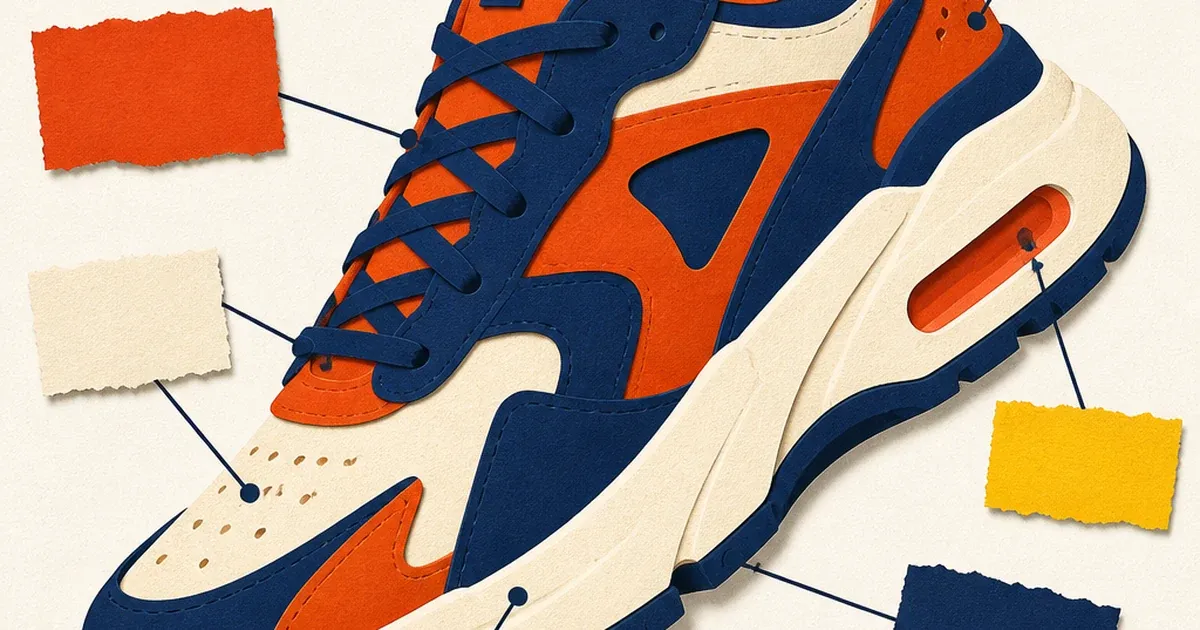
Some products sell on a feeling. Others sell on a spec sheet. A lifestyle shot works for a candle or a pair of sneakers. It falls flat for a power bank with three charging ports, a blender with five speed settings, or a water bottle that happens to be leakproof, insulated, and dishwasher-safe all at once. Those products need to show their features, not just imply them. That is the whole job of the feature infographic preset.
generate_image_preset_agent's ecommerce-infographic preset takes one product photo and adds callout labels pointing at specific physical features, right on the image. No separate spec table. No second slide. One photo that does the explaining a product description paragraph usually has to do.
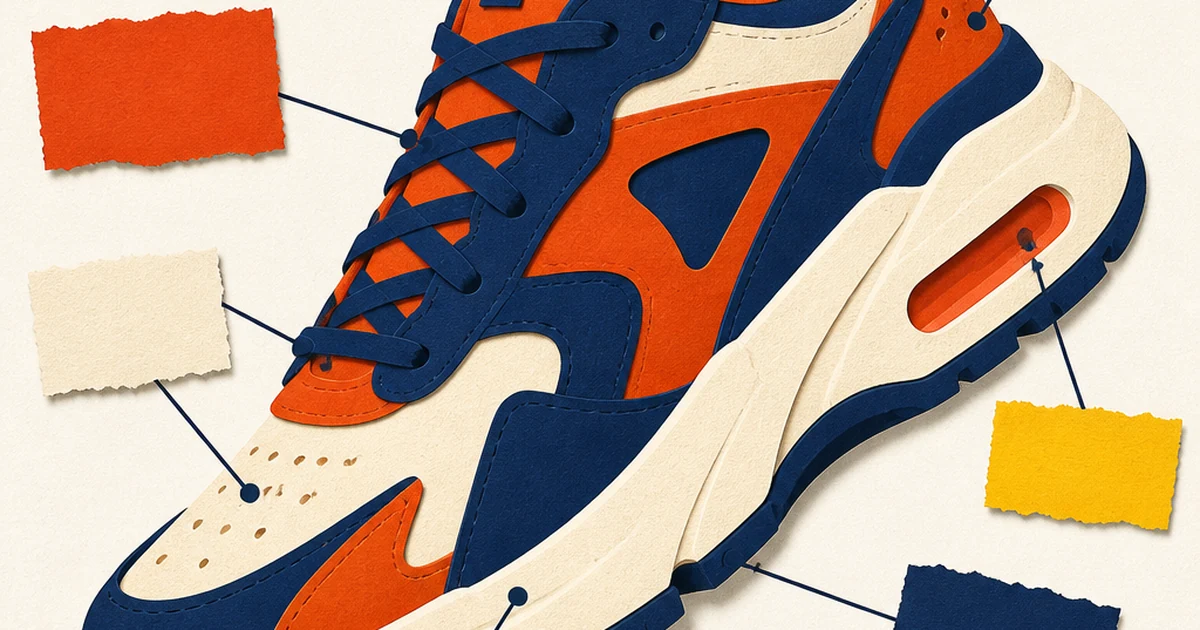
Why feature callouts still work in a scroll-first feed
Feature infographics are not new. Every category page on Amazon runs one in its secondary image slots, and for good reason: a 2021 Baymard Institute usability study on ecommerce product pages found that shoppers rely heavily on secondary product images to answer questions a title and bullet list leave open, especially for anything with a physical spec that is hard to judge from a hero shot alone (capacity, dimensions, material, included parts). A lifestyle photo sells a feeling. An infographic answers the question a shopper is already asking before they add to cart: what does this thing actually do, and what makes it different from the one next to it.
The format travels well past Amazon, too. The same logic that works in a marketplace secondary image slot works in a static social ad: a feed scroller spends under two seconds deciding whether to stop, and a labeled feature callout can answer "what is this and why would I want it" faster than copy underneath the image ever will.
What the preset actually does
Feed it a single product photo, the catalogue photo counts, and the preset adds short text labels connected to specific points on the product, each one naming one real feature. No CTA button gets added unless the brief specifically asks for one. The output is a single annotated image: one product, several callouts, legible at a glance.
This is the preset that turns a product's actual bullet-point spec list into something a reader can absorb in one still frame, rather than an ad that just looks nice and leaves the specifics to a landing page click-through.
The exploded-view preset is the closest sibling in this series, and the difference matters: exploded-view pulls a product apart into floating pieces to show what is inside. Infographic keeps the product whole and intact, and points labels at its outside surface instead. Use exploded-view when the story is "here is what's inside." Use infographic when the story is "here is everything this does, without taking it apart."
Worked example: turning a spec list into one annotated photo
Take a stainless steel insulated water bottle with four real, distinct features: double-wall vacuum insulation, a leakproof flip lid, a 24-ounce capacity marking, and a textured no-slip grip band. The brief for the preset:
Preset: ecommerce-infographic
Product: [source product photo URL]
Features to callout (exactly these four, no others): double-wall vacuum insulation, leakproof flip lid, 24oz capacity, textured no-slip grip
Style: clean thin connector lines from each label to its actual location on the product, legible sans-serif label text, no invented fifth feature, no CTA button
Background: simple, uncluttered, keeps focus on the product and its labels
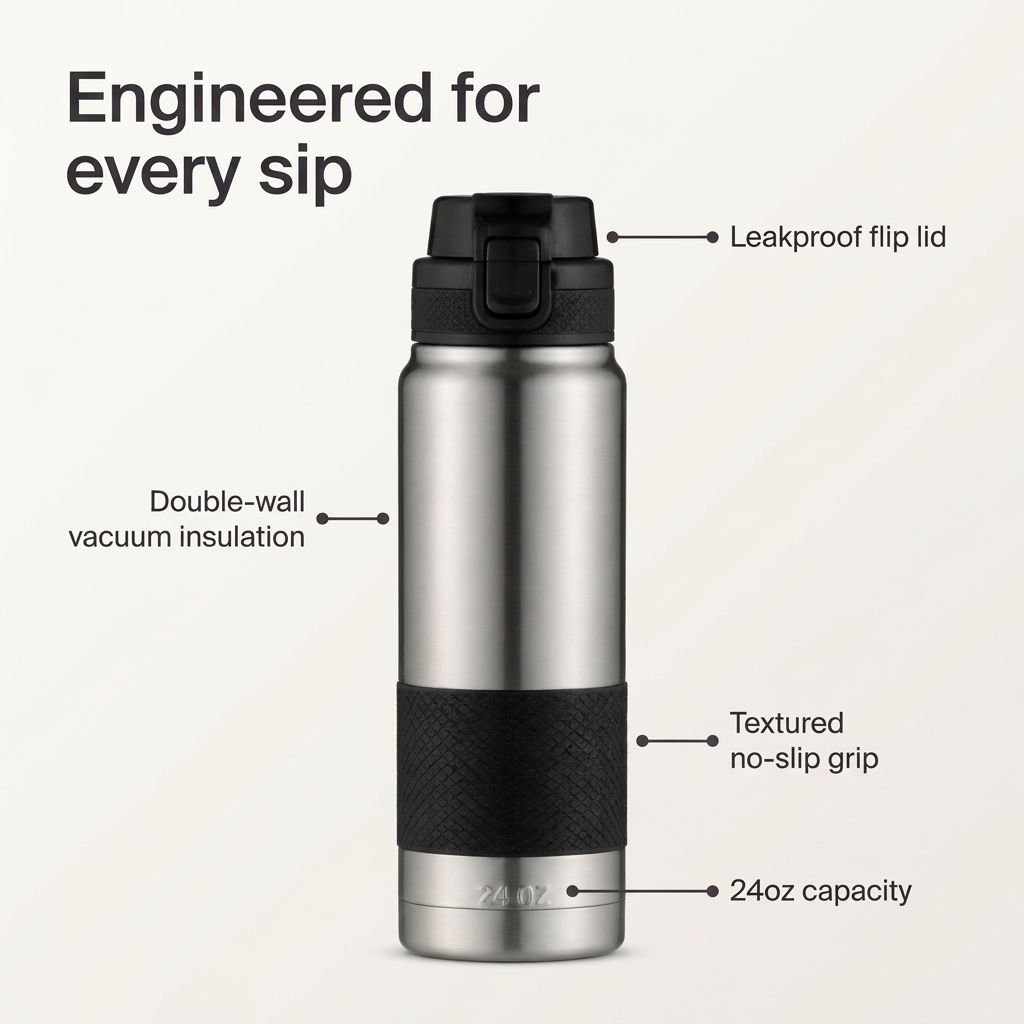
A real worked example, generated via generate_image_preset_agent with preset='ecommerce-infographic': the same stainless steel water bottle with four connector-line callouts, each pointing at the exact part of the bottle the label describes, zero invented features, zero garbled label text.
Every label in that output has to correspond to something real on the product. That is the one hard rule for this preset: a feature callout is only honest advertising if the thing it points at actually exists on the product being sold.
Where this fits in the preset lineup
Every preset in this mini-series builds something different on top of a base product photo. The packshot preset strips a photo down to a clean, compliant white background with nothing added. The in-hand preset adds a human hand for scale and tactility. The knolling preset arranges a full kit into an organized overhead flat lay. The comparison-vs preset sets a product against a generic alternative side by side. The feature infographic preset is the one built specifically for products whose selling point is a list of specs rather than a single scene or story, run it on a product with a packshot already done for a clean base to annotate.
When to reach for this preset (and when not to)
Reach for ecommerce-infographic when a product has three or more genuinely distinct, nameable features that are hard to judge from a photo alone: ports, settings, materials, capacities, certifications, included accessories. It is a strong fit for electronics, kitchen gear, outdoor equipment, and anything with a spec sheet a shopper actually reads before buying.
It is a weaker fit for a single-feature product (there is nothing to list beyond the one thing it already shows) or a purely emotional/lifestyle category where specs are not the reason someone buys. A candle does not need four callout labels. A power bank with three ports, a pass-through charging mode, and a built-in flashlight does.
FAQ
How many feature callouts should one infographic have? Three to five is the practical range. Fewer than three and a simpler preset like packshot or in-hand communicates just as well with less visual clutter. More than five and a feed scroller will not read all of them before moving on.
Can the preset invent a feature the product doesn't have? It should not, and the brief should explicitly list only the real, literal features to callout. Treat any output that labels a feature not present on the source photo as a failed generation to re-roll, the same way a fabricated statistic or an invented product name would be treated in this series' other presets.
Does this replace a product description? No. It is a faster first read for a feed scroller who will never reach the description. The full spec list still belongs on the product page. The infographic is the version built for a two-second scroll decision.
Can I use my existing product photo, or does it need to be a studio shot? The preset's own documentation states the catalogue photo counts as the source image. A clean studio shot or packshot-style base photo gives the cleanest result since there is less background for the connector lines to compete with, but it is not a strict requirement.
Try it on Coinis
A product with real features deserves an ad that shows them, not just a photo and a caption underneath. Generate a feature infographic from an existing product photo and put the spec sheet directly on the ad.
Start building feature-callout ads on Coinis
Sources
- Baymard Institute, "Product Page UX: Secondary Product Images" (ecommerce product-page usability research): https://baymard.com/blog/secondary-product-images
- Amazon Seller Central, "Product image guide" (secondary image slots and feature-callout image best practices): https://sellercentral.amazon.com/help/hub/reference/external/G1881?locale=en-US

Isidora Matovic
Author
Social media enthusiast and a full time researcher. She takes digital presence very seriously and that is why you are always in touch in what is going on with us! Follow us for more posts like this.