
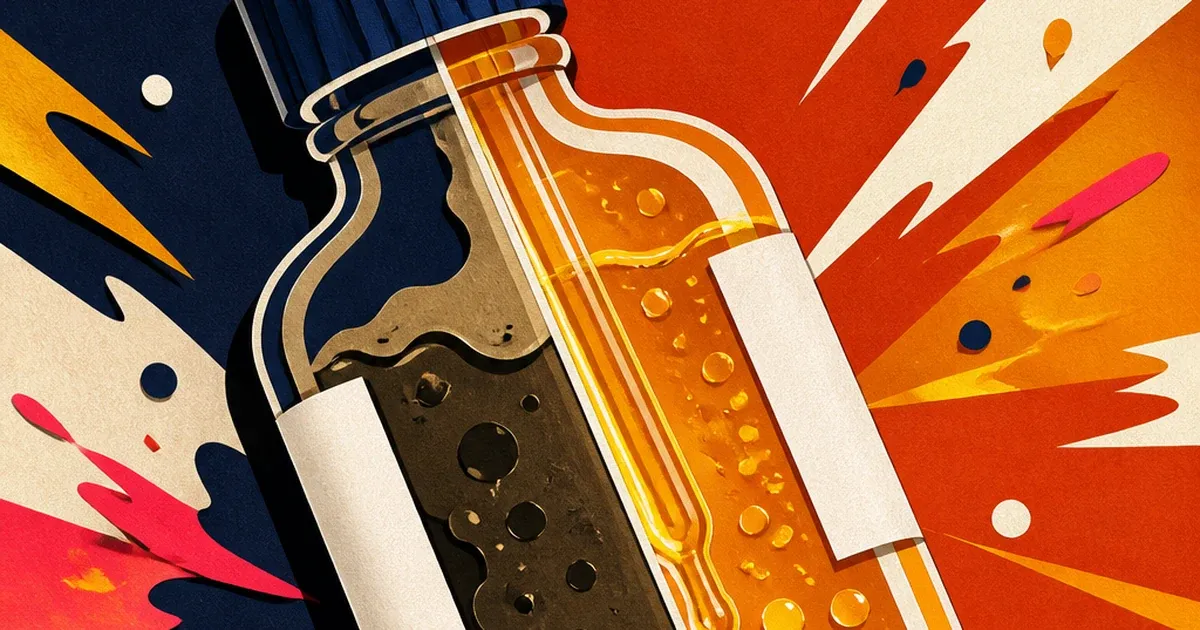
A serum or toner bottle is rarely opaque plastic. Most skincare packaging is clear or amber glass, chosen specifically so the product inside is part of the sell: a rich amber oil, a clear hyaluronic gel, a faintly tinted vitamin C serum. Standard studio lighting, built for solid products, lights the outside of that glass and ignores the thing the brand actually wants a shopper to see.
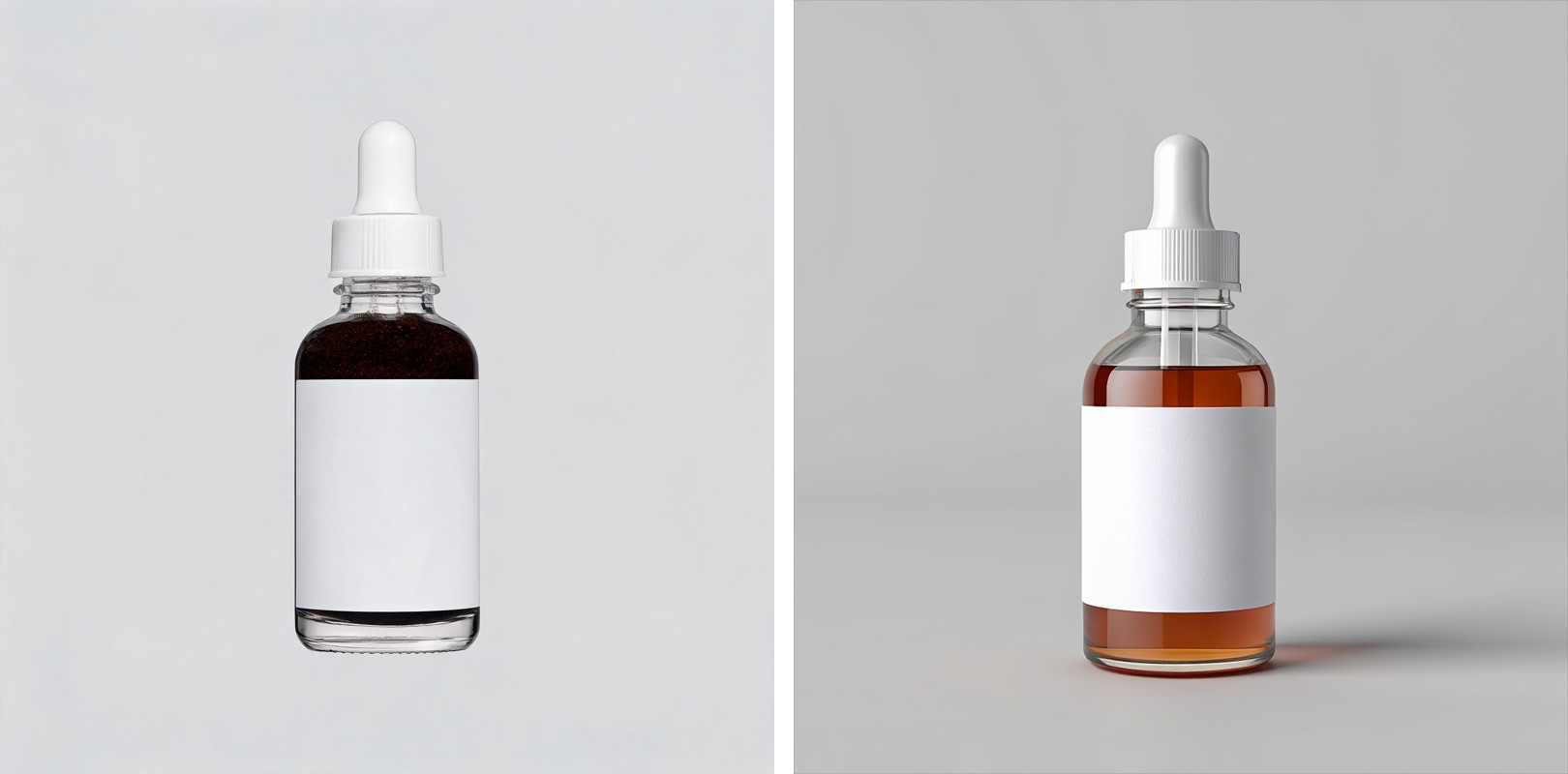
The result is a bottle that reads as dark, murky, or worse, empty. The label is lit fine. The cap and dropper look clean. But the liquid itself, the part of the product a skincare shopper is conditioned to inspect for color and clarity, disappears into a shadow instead of glowing.
Why a translucent bottle is a different problem than glare or color
Every reflective product category fights the camera differently. A beverage bottle's glass throws a hot glare band and traps condensation fog over the label. A supplement bottle's foil cap and curved glass catch a similar glare streak. A cosmetics compact's whole photo can pick up a color cast from mixed lighting. A skincare serum bottle has none of those exact problems and one nobody else on this list has: the glass is meant to be looked through, not just at, and front-lit studio setups built for solid objects leave the liquid inside looking flat, dark, or indistinct instead of the rich, clear color the formula actually is.
That distinction matters commercially. Skincare shoppers treat the product's own visible color and clarity as a trust signal in a category where ingredient transparency already drives purchase decisions. NSF's 2025 consumer research on personal care products found that 65% of consumers want a clear ingredient list to help them evaluate what is actually in a product, and 74% consider ingredient quality important enough to shape a purchase (NSF, "74% of Consumers Consider Organic Ingredients Important in Personal Care Products," March 2025). A shopper primed to scrutinize what is inside the bottle is looking at a photo where the inside of the bottle is the one thing the lighting failed to show.
The studio fix exists, it just does not scale to a serum line's SKU count
Commercial product photographers who shoot glass and liquid solve this with backlighting: a diffusion panel or light source placed behind the bottle so light passes through the glass and the liquid, rather than only bouncing off the front surface, with the front-facing label lit separately and composited in (Rob Andrew Photography, "How to Photograph a Glass Bottle"). That two-light setup, front label plus rear backlight, is standard practice for any commercial glass-and-liquid shoot precisely because a single front-lit setup cannot do both jobs at once.
It works, but a skincare brand running three serums, two toners, and a cleanser, each in its own tint and fill level, means re-rigging that same two-light setup and re-shooting every single SKU and every restock variant. What typically ships to the ad account instead is whichever shot from the batch has the least-dark bottle, translucency problem included, because a full re-shoot for one photo is not worth the day it takes.
Fix the translucency before the photo goes into every ad format
Ad Studio's repair layer, enhance_asset_proxy, treats this as a targeted lighting correction rather than a reshoot. The tool's masked-inpaint path, recraft-inpaint, has already proven itself as the reliable fallback for a whole-photo lighting problem once a narrower fix does not fit: a full-frame mask paired with a prompt describing the same bottle and label, corrected so light appears to pass through the glass and the liquid reads in its true color and fill level, rebuilds the lighting across the entire photo rather than patching one small region.
This is a repair step, not a redesign. It does not change the bottle shape, does not recolor the formula to something it is not, and does not alter the label, cap, or dropper mechanism outside of what the corrected lighting itself would naturally affect.
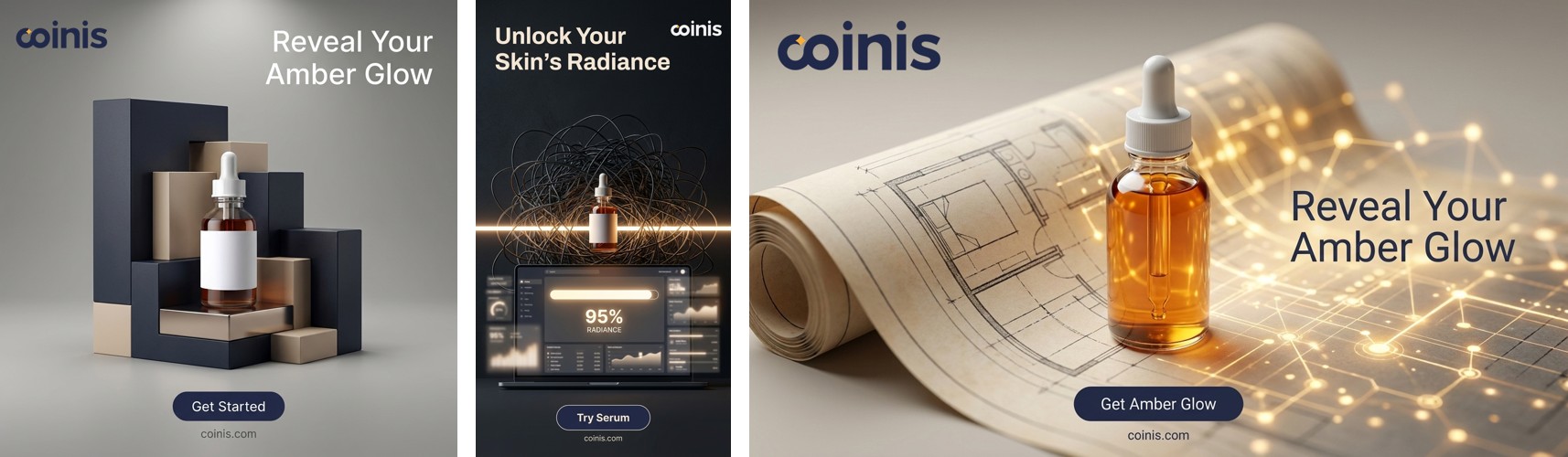
Once the bottle reads clean, the fan-out step is generate_image_templates, Ad Studio's primary image-ad generator. One corrected serum photo becomes a square feed post, a 9:16 Story, and a horizontal Display banner in one pass, without re-lighting the same bottle three more times for three different crops.
Building this into a skincare catalog's actual workflow
A skincare line rarely holds still at one SKU. New formulas, seasonal shades, and refill sizes ship on a schedule, and each one arrives in its own glass or amber bottle with its own fill level and tint to get right. The order matters every time: correct the lighting first with enhance_asset_proxy, confirm the bottle shape, cap, and label are untouched by the fix, and only then hand the corrected file to generate_image_templates for the size fan-out. Resizing a photo before fixing the lighting just multiplies the same murky bottle across every ad size instead of solving it once.
This is the same underlying pattern already proven across other reflective and light-sensitive product categories: a beverage brand's glare-and-condensation problem, a jewelry brand's blown-out specular hotspot, a supplement bottle's glare band over the label, and a gadget screen's mirrored studio reflection are all versions of the same lesson: how light interacts with a product's actual material, glass, metal, glossy screen, or in this case translucent liquid, is a different flaw every time, and the fix has to be scoped to what the material is actually doing to the light rather than applied as one generic filter.
FAQ
Does the fix change the color of the actual product? No. The correction relights the same photographed bottle so the liquid's true color and clarity come through. It does not recolor a formula to look different from what shipped, and it does not add tint or clarity the product does not genuinely have.
Why does this need a full-frame mask instead of a small spot fix like a glare streak? A glare streak sits in one small region of a photo. A translucency problem affects how light passes through the entire bottle and liquid, so the correction needs to touch the whole frame rather than one masked patch, the same distinction that applies to a whole-photo color-cast fix versus a localized specular hotspot.
Do I need a different bottle photo for every platform's ad size? No. generate_image_templates handles the cropping and composition into each platform's spec from one corrected source photo, which is the entire point of fixing the lighting once instead of on five separate exports.
What if the bottle is opaque plastic instead of glass? An opaque bottle does not have this specific translucency problem since there is no liquid to see through in the first place. The relevant fix for an opaque bottle is more likely a standard background or color-cast correction rather than a backlighting correction.
The Coinis angle
A serum bottle photo that looks dark or empty does not need a re-shoot to become usable. Correct the lighting on the one photo already on file with Ad Studio's enhance_asset_proxy, confirm the bottle and label are untouched, then turn it into a full ad-ready set with generate_image_templates, and land the result as a launch-ready ad through Ad Studio's templates instead of exporting a flawed photo and building the ad by hand.
Sources
- NSF, "74% of Consumers Consider Organic Ingredients Important in Personal Care Products," March 6, 2025. https://www.nsf.org/news/consumers-consider-personal-care-organic-ingredients-important
- Rob Andrew Photography, "How to Photograph a Glass Bottle." https://www.robandrewphoto.com/how-to-photograph-a-glass-bottle/

Isidora Matovic
Author
Social media enthusiast and a full time researcher. She takes digital presence very seriously and that is why you are always in touch in what is going on with us! Follow us for more posts like this.