
A supplement bottle is built to catch light. Glossy plastic, a foil-sealed cap, a laminated label wrapped around a curved surface, sometimes a blister pack with a reflective backing. Point a studio light at any of that and the shot rarely comes back clean. It comes back with a hard white glare band sitting right where the brand name or the supplement-facts panel needs to read clearly, because a curved glossy surface throws back a small, hot reflection of whatever light hit it, not a soft even sheen.
That flawed photo does not usually get reshot. It gets cropped into whatever ad sizes the campaign needs, glare and all, because a growing SKU list does not leave time to re-light and reshoot a bottle every time a batch of studio photos comes back imperfect.
Why a glare spot on a supplement bottle costs more than it looks like it should
Most product categories can absorb a little glare. A candle or a phone case still reads fine with a bright spot in one corner. A supplement bottle is different because the label is the product's entire evidence trail to a shopper standing in front of a screen instead of a shelf: brand name, product name, serving claim on the front panel, and further down the label the ingredient and supplement-facts detail a health-conscious buyer actually checks before adding to cart. A glare band sitting across any of that is not a cosmetic flaw. It is the one part of the photo doing the most work, made unreadable.
The category is also less forgiving of a bad first impression than most. The National Retail Federation's 2025 Retail Returns Landscape report (with Happy Returns) found that 19.3% of online purchases are returned overall, with an item looking or reading differently than expected a persistent driver across categories (NRF, "2025 Retail Returns Landscape," October 2025). A shopper who cannot actually confirm what is on the label before buying is more likely to skip the purchase entirely rather than gamble on it, which shows up as a soft, invisible drop in conversion rather than a return the brand can even trace back to the photo.
Standard glare fixes do not always solve a curved, glossy label
The common product-photography advice for glare, diffuse the light source, move it off-axis, add a bounce card, works well for a flat matte surface. A supplement bottle complicates that advice in two ways: the surface is curved, so a diffused light source still concentrates into a smaller hot patch as it wraps around the bottle's shoulder, and the label itself is often laminated or gloss-coated, adding a second reflective layer on top of the glossy plastic underneath. Photography guides on eliminating glare describe the same core fixes, changing the light angle, using a diffuser, moving the camera angle, or applying a matte spray to the product itself before the shoot (Lish Creative, "4 Tricks For Eliminating Glare In Product Photography"). That last option, a temporary matte spray, is a real studio technique, but it is also an extra step a brand has to remember and repeat on every bottle, every batch, every re-shoot.
What ships to the ad account is usually whatever the shoot produced without that extra step, glare included.
Fix the glare before the photo goes into six ad formats
Ad Studio's repair layer, enhance_asset_proxy, handles this as a targeted repair rather than a reshoot. One tool covers upscaling, sharpening, denoising, lighting and white-balance correction, background swaps, and masked object repair, all through a single model field matched to the specific flaw. A glare band sitting over part of a label is a localized defect, not a whole-photo problem, so the correction that holds up here is a masked inpaint: a mask scoped tightly to the glare itself, with a prompt describing the clean label surface that should be underneath it, so the correction rebuilds only the glare patch and leaves the rest of the bottle, and every word of label text outside the masked region, untouched.
This is a photo-repair step only. It does not rewrite label copy, does not touch the ingredient panel, and does not add or imply any health or efficacy claim the bottle's own label does not already carry. A clean label photo is not the same thing as a policy-cleared ad. Meta's Health and Wellness advertising policy still applies to how a supplement ad is framed and targeted, restricting exaggerated outcome claims and requiring anyone shown using the product to be at least 18 (Meta Business Help Center, "About Meta's Health and Wellness advertising policy"), and Google's Ads policies still restrict unapproved health claims regardless of how clean the underlying photo is (Google Ads Help, "Unapproved pharmaceuticals and supplements"). Fixing the photo removes one production obstacle. It does not replace a compliance review of the ad copy and claims sitting next to it.
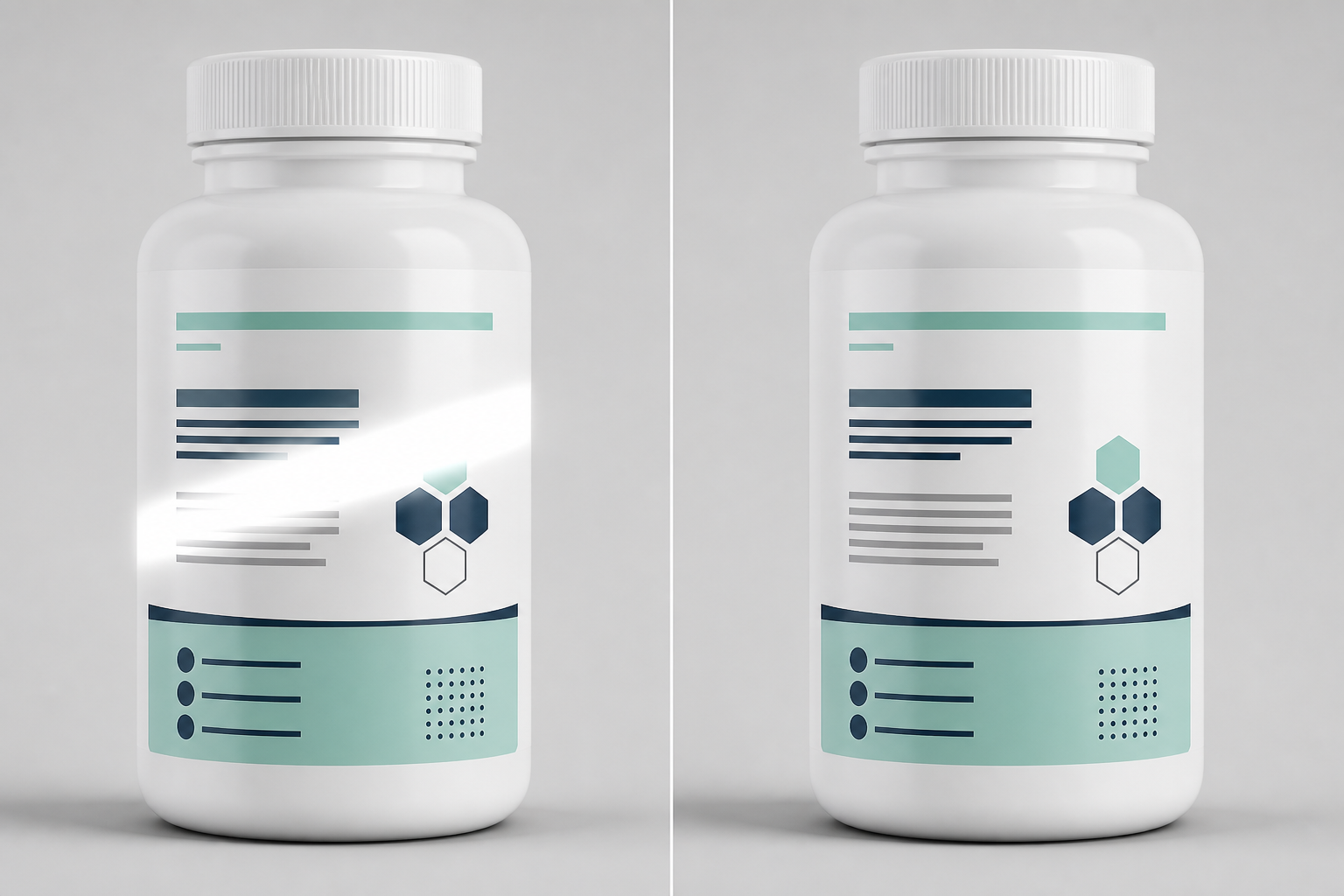
Illustrative before/after. mcp.coinis.dev, the backend behind Ad Studio's enhance_asset_proxy tool, is mid-outage as this article was finished (refresh-token authentication failure, tracked since 2026-08-09). This composite shows the repair concept with a generic placeholder label. A real enhance_asset_proxy masked-inpaint render on an actual product photo already ships in Bad Product Photos Are Costing You Sales. A future session will swap this in for a real supplement-bottle render once the connection is restored.
Once the label reads clean at full zoom, the fan-out step is generate_image_templates, Ad Studio's primary image-ad generator. One corrected bottle photo becomes a square Facebook post, a 9:16 Story, and a horizontal Display banner in one pass, each cropped and composed for its own placement, without a second studio session and without re-fixing the same glare band on five separate exports.
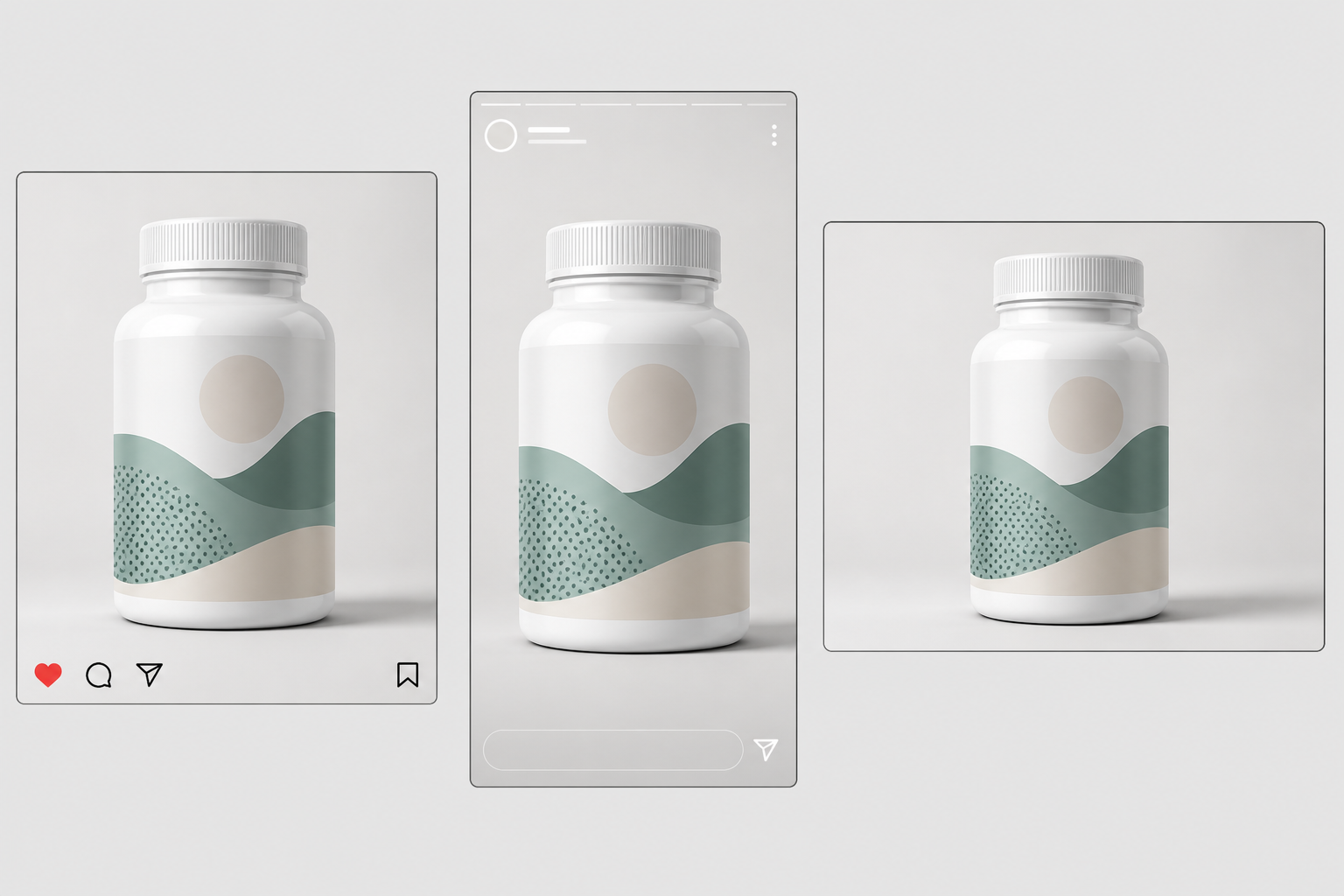
Illustrative multi-format mockup. The real generate_image_templates fan-out is demonstrated with an actual product photo in One Product Photo, Every Ad Size. This placeholder-label composite stands in while mcp.coinis.dev's generation backend is down (same outage noted above).
Building this into a supplement brand's actual catalog workflow
A supplement line rarely stays at one SKU. New flavors, new formats, new pack sizes arrive on a schedule, and each one needs a clean hero shot before it can go into any ad format, on any platform. The order matters every time: repair the specific flaw first with enhance_asset_proxy, masked and scoped to the actual glare, verify the label reads exactly as it did before the fix, and only then hand the clean file to generate_image_templates for the size fan-out. Doing it the other way just resizes a photo with the glare still baked in, producing five flawed variants where one clean file would have done the job.
This is the same underlying problem covered in mobile game ad creative fatigue: a brand running exactly one usable hero shot per SKU keeps reusing that shot until performance drops, because there is no second clean angle to rotate in without a reshoot. The same repair-then-generate chain already proved out on a beverage brand's glass-and-condensation problem and a jewelry brand's blown-out reflection applies here too, aimed at a different flaw on a different surface, a glare band on a curved glossy bottle instead of a fogged glass or a specular hotspot on polished metal. See the full AI ad generator for supplements overview for how this fits alongside compliant ad copy and targeting for the category.
FAQ
Does fixing the glare change anything on the label itself? No. The masked inpaint rebuilds only the glare patch using the surrounding label as reference. Brand name, product name, and every word of the ingredient or supplement-facts panel stay exactly as printed. What changes is the reflection that was covering part of it.
Does a clean label photo mean the ad will get approved? Not automatically. A glare-free label photo removes a production obstacle, but Meta and Google both apply their own health and supplement advertising policies to the ad's copy, claims, and targeting separately from the image. A clean photo is a policy-aware production choice, not a guarantee of approval.
Do I need a separate photo shoot for every ad platform, or does one corrected shot cover all sizes? One corrected shot covers all sizes. generate_image_templates handles the cropping and composition into each platform's own spec from that single clean source, which is the entire point of fixing the glare once instead of on five separate exports.
What if the flaw is a soft, grainy label rather than a hard glare spot? The same enhance_asset_proxy surface handles sharpening and denoising as separate ops, so a soft or grainy bottle shot goes through the same repair-then-generate chain with a different model selection matched to that specific flaw.
The Coinis angle
A supplement brand does not need a reshoot every time a bottle photo comes back with a glare band across the label. Repair the one photo already on file with Ad Studio's enhance_asset_proxy, confirm the label still reads exactly as printed, then turn it into a full ad-ready set with generate_image_templates, and land the result as a launch-ready ad through Ad Studio's templates instead of exporting a flawed photo and building the ad by hand.
Sources
- National Retail Federation (with Happy Returns), "2025 Retail Returns Landscape," October 15, 2025. https://nrf.com/research/2025-retail-returns-landscape
- Lish Creative, "4 Tricks For Eliminating Glare In Product Photography." https://lishcreative.com/4-tricks-for-eliminating-glare-in-product-photography/
- Meta Business Help Center, "About Meta's Health and Wellness advertising policy." https://www.facebook.com/business/help/2489235377779939
- Google Ads Help, "Unapproved pharmaceuticals and supplements." https://support.google.com/adspolicy/answer/2423645

Isidora Matovic
Author
Social media enthusiast and a full time researcher. She takes digital presence very seriously and that is why you are always in touch in what is going on with us! Follow us for more posts like this.