
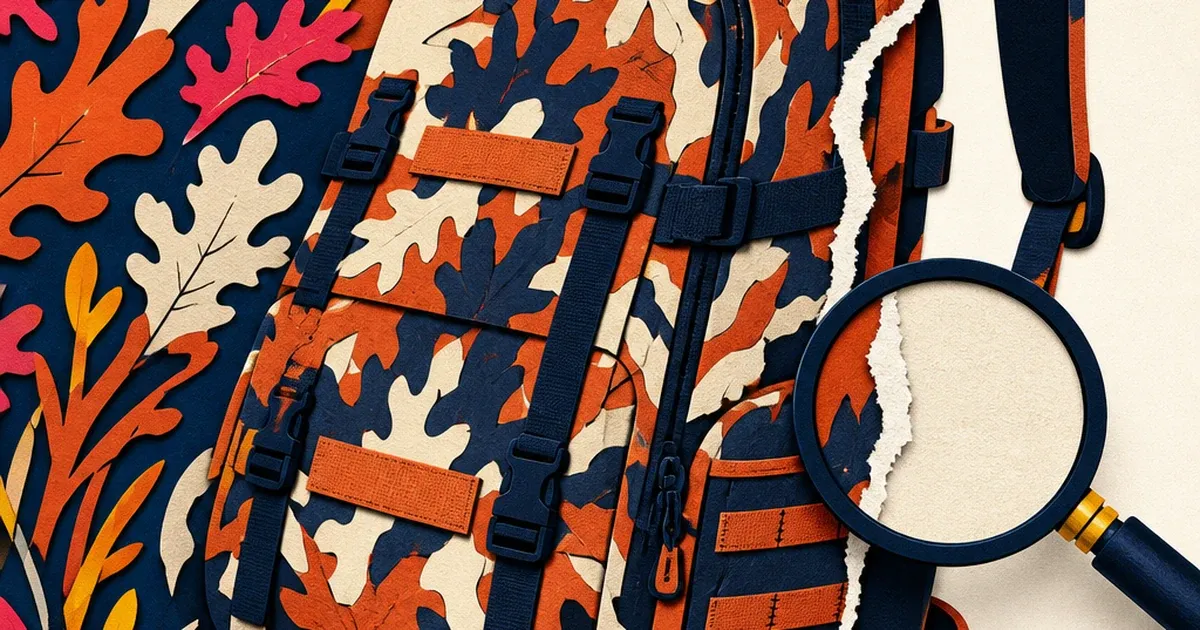
A camo backpack sits on a cluttered brush-and-leaf backdrop, exactly the kind of setting the gear is designed to disappear into. Run that photo through an AI background remover and the tool does something strange: instead of a clean cutout, part of the backpack itself gets treated as background. A shoulder strap vanishes. A pocket flap gets a jagged, torn edge. The product survives the shoot but doesn't survive the edit.
This isn't a one-off glitch. It's the pattern doing exactly what it was designed to do, at the worst possible moment for an advertiser.
Why camouflage breaks the exact tool that's supposed to isolate it
Most background-removal tools work by predicting, pixel by pixel, whether each part of an image belongs to the "foreground" (the product) or the "background" (everything else). Cloudflare's own engineering team published a detailed breakdown of this in August 2026 after building background removal into their Images product: the model has to draw a boundary between the subject and its surroundings, and it does that by looking for contrast, edges, and areas that stand out from the rest of the frame (blog.cloudflare.com, 2026).
Camouflage is built to defeat exactly that signal. Camera research on the broader problem, known in computer vision as camouflaged object detection, describes it plainly: the foreground and background of a camouflaged object are "extremely similar," which is precisely what makes the pattern effective in the field and precisely what makes it hard for a segmentation model to draw a clean boundary around it (arxiv.org, 2025). A product designed to blend into leaves, dirt, and shadow gives an AI cutout tool almost nothing to separate it from the leaves, dirt, and shadow it's sitting on.
Cloudflare's own testing found a related failure mode even on non-camouflage products: a plain gray t-shirt shot against a black gym floor confused two of their tested segmentation models so badly that the models labeled only the shirt's logo as the "product," discarding the rest of the garment as background (blog.cloudflare.com, 2026). Camo gear compounds that same low-contrast problem on purpose, pattern and all, which is why hunting and tactical-gear brands run into this more than almost any other product category.
What actually goes wrong in the ad creative
The failure shows up in a few predictable ways once a camo product photo goes through an automated cutout or background-swap:
- Fragmented edges. Part of a strap, a zipper pull, or a pocket seam gets classified as background and disappears, leaving a jagged gap in the product silhouette.
- Bleed-through. The camo pattern itself gets partially treated as "the scene," so a chunk of background foliage stays attached to the product after the cutout.
- Halo artifacts. A soft, mismatched fringe appears around the product edge where the model wasn't confident which pixels belonged to which side.
None of these are visible at thumbnail size in a content calendar. They show up the moment the photo runs as a paid ad on a clean studio or lifestyle background, where a torn edge or a floating chunk of leaf-pattern reads as a bad Photoshop job, not a rugged outdoor product.
The fix: repair the cutout, not the product
Coinis Ad Studio's photo-repair layer (enhance_asset_proxy) handles exactly this kind of correction: replacing or cleaning up a background around a product without touching the product itself. Instead of relying on one generic cutout pass, the correction is scoped to the actual problem area (the torn edge, the bleed-through patch) so the camo pattern, the stitching, and the gear's actual silhouette come through intact.
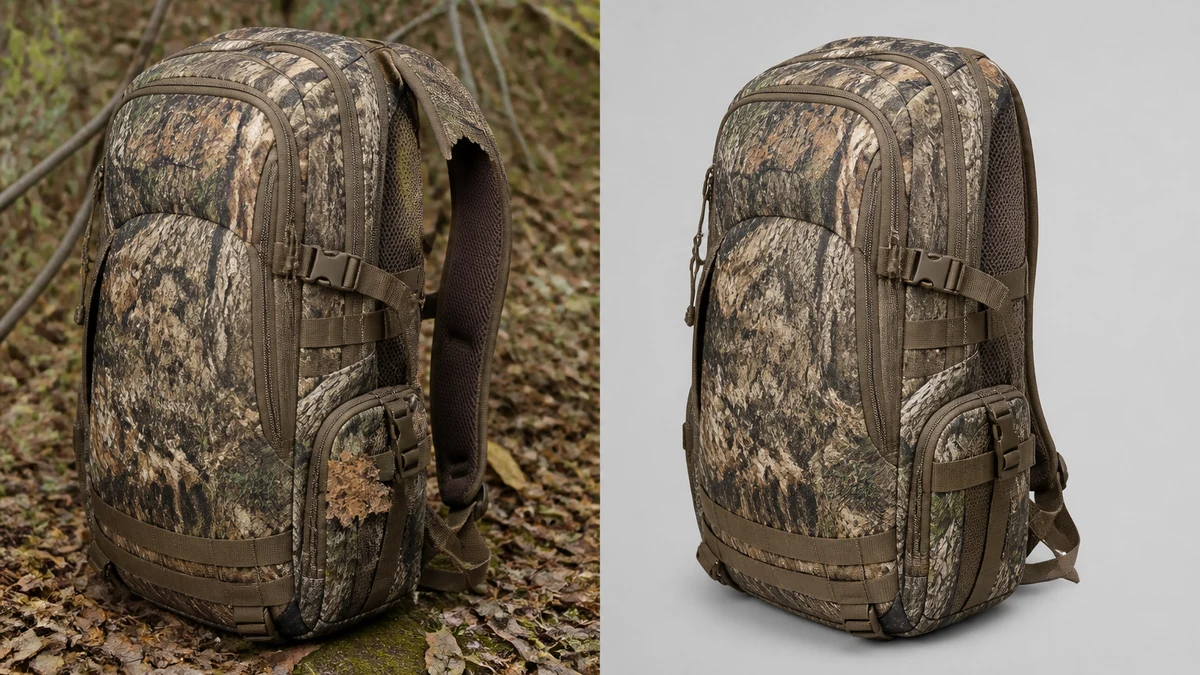
This before/after is an illustrative stand-in generated while mcp.coinis.dev's generation backend was rejecting authenticated requests with a "session no longer valid" error. See the jewelry photo-fix article for a real `enhance_asset_proxy` render on the same repair tool.
Once the product is cleanly isolated, the same corrected photo needs to run everywhere a hunting or outdoor brand actually advertises: a square feed post, a 9:16 Story, a landscape banner for retargeting. Coinis's multi-format fan-out (generate_image_templates) takes that one repaired source image and produces it across every aspect ratio a campaign needs, so the fix happens once and pays out across the whole media plan.
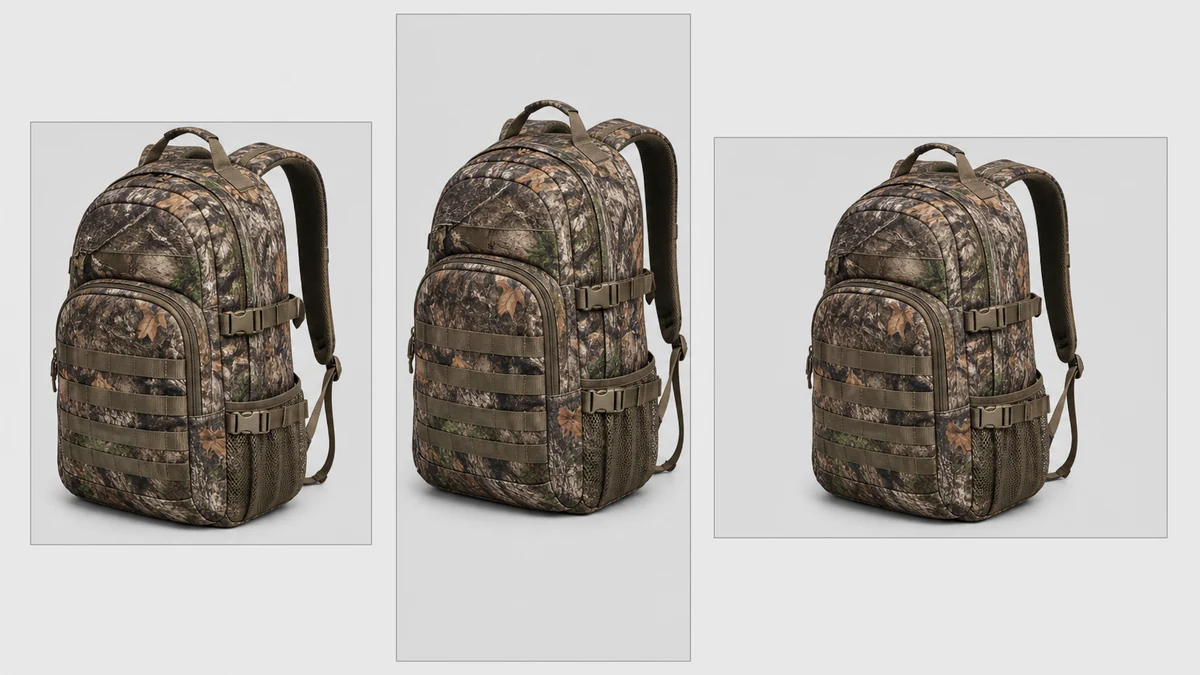
This fan-out is an illustrative stand-in generated during the same mcp.coinis.dev outage. See the multi-format fan-out article for a real `generate_image_templates` render.
Why this matters for the category specifically
Hunting and fishing supplies is a $24.0 billion US industry in 2026, growing at a 4.7% CAGR across roughly 19,300 storefronts (ibisworld.com, 2026). Camouflage isn't a niche aesthetic inside that category, it's the default product surface for a huge share of the catalog: apparel, packs, blinds, gun cases, gear bags. Every one of those products was engineered to defeat visual separation, which means every one of them is a candidate for the exact segmentation failure described above the moment it goes through an automated background swap, the same failure mode that shows up on apparel catalog photos shot against a busy background.
A brand that doesn't catch this before launch ships ads with visibly broken product edges, right next to the outdoor lifestyle photography and DTC creative the category is increasingly competing against, the same competitive pressure that pushed pet product photography toward cleaner cutouts first. A torn cutout undercuts the "built for the field" positioning the product is actually selling.
Outdoor gear brands run into more than one photo problem in the field. A companion piece covers the harsh-sunlight exposure issue that shows up on camping gear shot outdoors, a different defect with the same repair-then-generate fix.
What to do now
- Pull any camo or heavily-patterned product photo already run through an automated background tool and zoom in on the edges, straps, and seams, not just the overall silhouette.
- Check for bleed-through and fragmented edges specifically, the two failure modes that show up most on camouflage and other low-contrast, high-texture products.
- Run the flawed cutout through Coinis's photo-repair tool to clean up the edge and background without re-shooting or hand-masking the product yourself.
- Fan the corrected photo out to every ad size your campaign needs from that single fixed source, then build the launch-ready ad in Ad Studio using a template built for the platform you're running.
FAQ
Why does camouflage specifically break AI background removal when a plain product usually works fine? Background-removal models separate a product from its surroundings by detecting contrast and edges between the two. Camouflage is designed to minimize exactly that contrast against a natural backdrop, so the model has less signal to work with and is more likely to misclassify part of the product as background or part of the background as product (blog.cloudflare.com, 2026 and arxiv.org, 2025).
Is this the same problem as a glare or reflection issue on a product photo? No. Glare and reflection are lighting problems, where light bouncing off a surface obscures detail. This is a segmentation problem, where the tool can't tell where the product ends and the background begins because the two look too similar (blog.cloudflare.com, 2026 and arxiv.org, 2025). They need different corrections, which is why Coinis's photo-repair layer treats background cleanup and lighting correction as separate operations.
Does the fix change the camo pattern or product design? No. The correction targets the cutout edge and the background around the product, not the camo pattern itself. The product's actual pattern, stitching, and silhouette stay exactly as photographed.
Do I need a different photo for every platform, or just different crops? Once the product is cleanly isolated from its background, most campaigns only need different crops and aspect ratios of that same corrected image, not new photography for every platform.
See the full hunting and outdoor advertising landing page for the complete Ad Studio toolkit built for this category.
Turn the fix into every launch-ready ad
A clean product cutout is the input. The output that actually moves budget is a launch-ready ad built for the platform you're running it on. Coinis Ad Studio takes the corrected photo straight into a template, so a gear photo that was quietly failing at the edges becomes a finished ad ready to launch, camo pattern intact.
Sources
- Cloudflare Blog, "Evaluating image segmentation models for background removal for Images," https://blog.cloudflare.com/background-removal/ (2026)
- arXiv, "Toward Realistic Camouflaged Object Detection: Benchmarks and Method," https://arxiv.org/html/2501.07297v1 (2025)
- IBISWorld, "Hunting & Fishing Supplies Stores in the US Industry Data and Analysis," https://www.ibisworld.com/united-states/industry/hunting-fishing-supplies-stores/6330/ (2026)

Isidora Matovic
Author
Social media enthusiast and a full time researcher. She takes digital presence very seriously and that is why you are always in touch in what is going on with us! Follow us for more posts like this.